Buying a new home office desk is not just a single purchase decision — it is a budgeting exercise that spans several very different product categories. A desk built for a student doing homework has almost nothing in common, cost-wise or feature-wise, with a full executive desk or a motorized sit-stand desk. Before you open a browser tab and start comparing prices, it helps to understand what you are actually paying for in each category, and how to allocate a realistic budget across the desk itself, accessories, and any tools you might need to assemble it.
This guide walks through a practical budgeting process for a new home office desk setup, comparing desks for students, executive desks, and sit-stand desks so you can figure out which category fits your space, your work style, and your wallet.

Step 1: Define What the Desk Actually Needs to Do
Before you look at a single price tag, write down how the desk will be used day to day. This single step prevents the most common budgeting mistake: overspending on features you will never use, or underspending on the one feature that actually matters for your routine.
- Student desks generally need to hold a laptop, some books, and maybe a monitor, with enough surface area for handwritten notes. Durability against scratches and spills matters more than premium materials.
- Executive desks are built for a more permanent, professional workspace — often with drawers, cable management, and a larger surface for meetings, paperwork, or multiple monitors. Materials, finish, and visual presence carry real weight in the price.
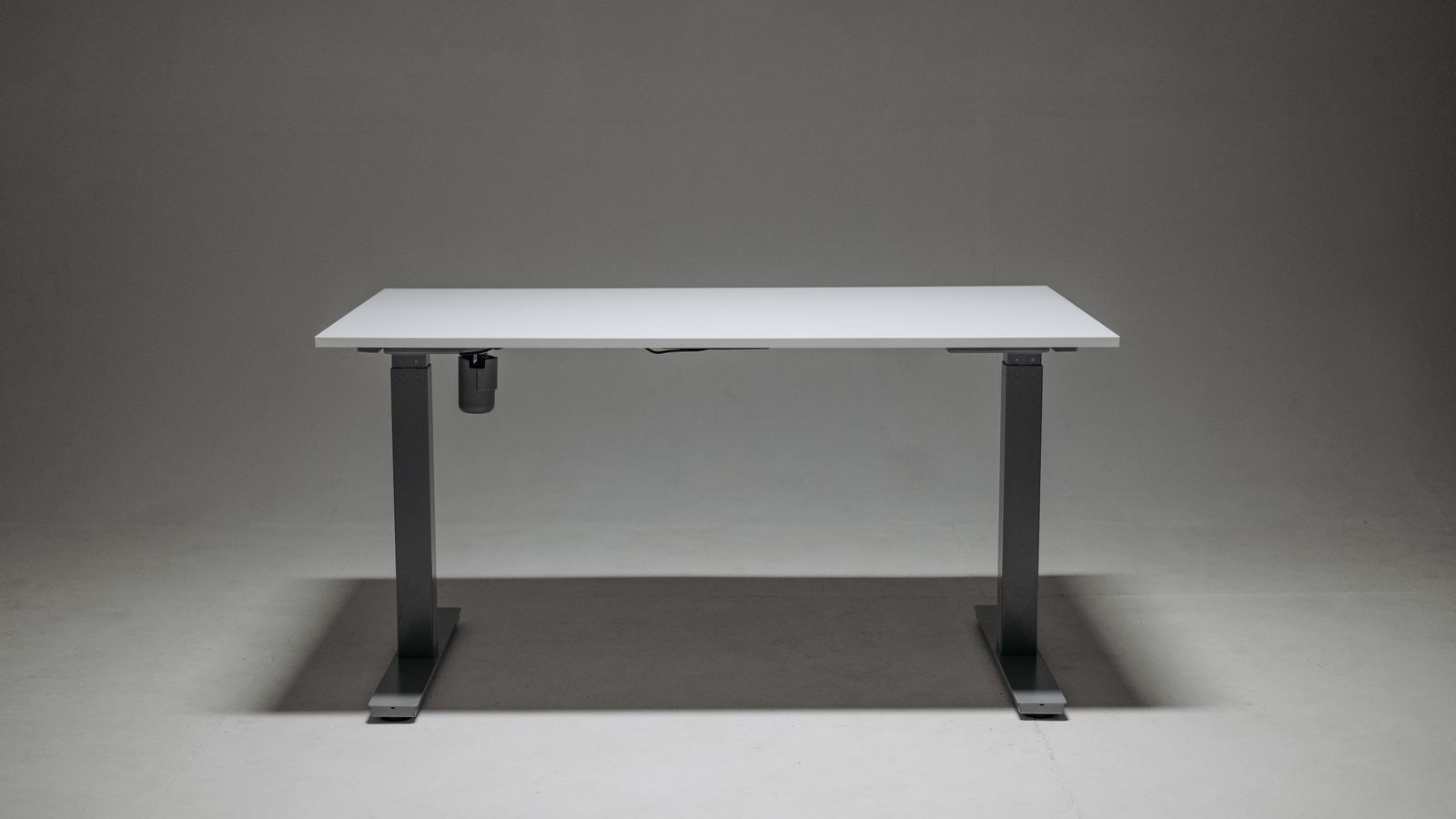
- Sit-stand desks prioritize a motorized or crank-adjustable frame that lets you alternate between sitting and standing throughout the day. The budget here goes largely into the lifting mechanism, not the tabletop.
Once you know which category matches your needs, you can set a realistic price range instead of guessing.
Step 2: Set a Realistic Budget Range Per Category
Desk prices vary enormously, and knowing the typical range for each category helps you avoid both overpaying and buying something that will not hold up.
Budgeting for a Student Desk
Student desks are usually the most affordable entry point into home office furniture. Compact, single-surface designs with basic storage tend to sit at the lower end of the market, while larger models with hutches, bookshelves, or adjustable heights cost more. If you are furnishing a dorm room or a shared space, prioritize a compact footprint and easy assembly over premium materials. For a closer look at models built specifically for this use case, browse this roundup of desks for students to compare sizes, storage options, and price points side by side.
Budgeting for an Executive Desk
Executive desks sit at the higher end of the budget spectrum because they are built to last for years and to anchor a professional-looking home office. Expect to pay more for solid wood or wood-veneer construction, integrated drawers, and larger work surfaces (often 60 inches or wider). If video calls are part of your daily routine, factor in that an executive desk also functions as a visual backdrop, so finish quality matters more than it does for a student desk. When comparing options, check this list of executive desks to see how style, size, and storage affect the price.
Budgeting for a Sit-Stand Desk
Sit-stand desks price out differently because you are paying for engineering, not just furniture. A basic manual crank model costs less than a dual-motor electric frame with programmable height presets and a higher weight capacity. If ergonomics and long-term comfort are the priority, allocate more of your budget to the frame quality and motor reliability than to the tabletop material — you can always upgrade the surface later. This curated list of best sit stand desks is a good starting point for comparing frame types, weight limits, and price tiers.
Step 3: Compare the Three Desk Types Side by Side
Once you understand the price ranges, it helps to compare the three categories directly against the criteria that matter most for a home office purchase.
Space Requirements
Student desks are typically the most compact, making them the best fit for small bedrooms or shared spaces. Executive desks need the most floor space, both for the desk itself and for a chair to be pulled out comfortably. Sit-stand desks fall in between, though you should also account for clearance above the desk if you plan to raise it to full standing height.
Assembly and Setup
Student desks are usually the easiest to assemble, often requiring only basic tools and under an hour of work. Executive desks, especially larger solid-wood models, can take significantly longer and sometimes benefit from a second person during assembly. Sit-stand desks add electrical or mechanical components, so read the assembly instructions carefully and budget extra time for cable management and motor calibration.
Long-Term Value
A student desk is often a short-term purchase, so lower upfront cost usually makes more sense than investing heavily in materials. An executive desk is meant to be a long-term centerpiece, so paying more for build quality tends to pay off over years of daily use. A sit-stand desk’s long-term value comes from the health benefits of alternating postures, which is worth weighing even if the upfront cost is higher than a fixed-height alternative.
Step 4: Build the Full Setup Budget, Not Just the Desk Price
The desk itself is only part of the total cost. When budgeting for a complete home office desk setup, also account for:
- Desk accessories — cable trays, monitor arms, and desk organizers that keep the surface usable.
- Lighting — a desk lamp or better ambient lighting if your workspace does not get much natural light.
- Flooring protection — a chair mat if you are placing a rolling chair on carpet, especially important under heavier executive desks.
- Assembly tools — most desks ship with the basic hex keys needed, but a proper screwdriver or power drill can speed up assembly considerably, particularly for larger executive models.
- Delivery and disposal — larger desks may involve delivery fees, and you may need to plan for disposing of an old desk.
Building these line items into your budget upfront avoids the frustration of an unexpected cost after the desk has already arrived.

Step 5: Prioritize Where It Counts
If your total budget is limited, decide which element deserves the largest share before you start shopping:
- If comfort and posture are your top concern, put more of the budget toward a sit-stand frame with a reliable motor and weight capacity, and spend less on the tabletop finish.
- If professional appearance matters most — for client calls or video meetings — prioritize an executive desk with a clean, durable surface, even if it means a smaller drawer configuration.
- If the desk is for a student who will outgrow the space or move frequently, prioritize a lower price point and portability over premium materials.
There is no single “right” allocation — the point is to be intentional about where your budget goes rather than spreading it evenly and ending up with a setup that feels like a compromise everywhere.
Common Budgeting Mistakes to Avoid
- Forgetting accessories entirely. A monitor arm, cable management tray, or desk lamp can add a meaningful amount to the total cost if not planned for in advance.
- Choosing based on price alone. The cheapest sit-stand desk in a search result is often cheap because of a weaker motor or lower weight capacity — check the specs before assuming it is a bargain.
- Underestimating space. Measuring the room before buying an executive desk avoids the costly mistake of returning an oversized piece of furniture.
- Ignoring return policies. Desks are bulky and sometimes expensive to ship back, so check the return window and any restocking fees before finalizing a purchase.
Frequently Asked Questions
How much should I budget for a basic home office desk setup?
It depends heavily on the category. A simple student desk setup can be assembled on a modest budget, while an executive desk with drawers and premium materials, or a fully motorized sit-stand desk, will require a noticeably larger investment. Set your budget based on the primary use case first, then layer in accessories.
Is a sit-stand desk worth the extra cost compared to a fixed desk?
For many home office workers, yes — the ability to alternate between sitting and standing throughout the day can meaningfully improve comfort during long work sessions. If budget is tight, a manual crank model offers many of the same ergonomic benefits at a lower price than a dual-motor electric version.
Can I mix categories, like a student-style desk with a standing option?
Yes. Compact standing desk converters or smaller electric frames can bring sit-stand functionality to a more budget-conscious, space-constrained setup, which is a common approach for students or anyone working in a smaller room.
What is the biggest hidden cost when budgeting for a new desk?
Accessories and delivery are the most commonly overlooked costs. Cable management, monitor arms, lighting, and shipping fees for larger executive or sit-stand desks can add up quickly if they are not accounted for from the start.
Final Thoughts
Budgeting for a new home office desk setup comes down to matching the desk category to how you actually work, then building a realistic total cost that includes accessories, tools, and delivery — not just the sticker price of the desk. Whether you land on a compact desk for students, a polished executive desk, or an adjustable sit-stand desk, taking the time to compare options within each category will help you spend your budget where it matters most and avoid regret once the desk is set up in your space.