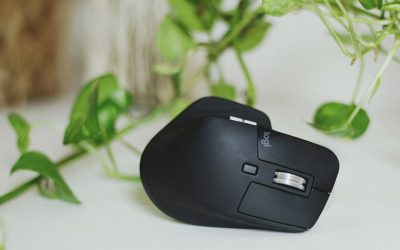
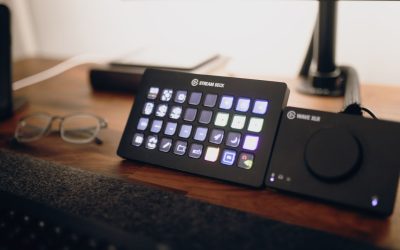
If you have large hands, a keyboard and mouse that work fine for the average reviewer online can leave your wrists cramped and your fingers hunting for keys by the end of the day. Comparing a low profile keyboard against ergonomic mice built for large hands is not just about picking two separate products — it is about making sure the pair actually fits together on your desk and supports the same neutral wrist posture. This guide walks you through exactly what to measure, test, and weigh before you commit to a combo.

Why Large Hands Change the Comparison
Most keyboards and mice are designed around average hand measurements, which means anyone with a palm width over roughly 3.5 inches or finger length past 3 inches can end up with cramped keystrokes, awkward pinky reach, or a mouse grip that forces the wrist to twist. When you compare a low profile keyboard against ergonomic mice for large hands, you are really comparing two different jobs: the keyboard needs to keep your fingers relaxed across a flatter key travel, while the mouse needs a shell large enough to cradle your whole palm without your fingers curling off the edge.
Skipping this comparison step is how people end up buying a beautiful mechanical low profile board and a mouse that is technically “ergonomic” but still too small, leaving one hand comfortable and the other still aching.
What You’ll Need Before You Start Comparing
- A tape measure or ruler (to measure your palm width and finger length)
- A notepad or spreadsheet to track specs side by side
- Access to a store or a friend’s setup for hands-on testing, if possible
- A list of 2-3 candidate keyboards and 2-3 candidate mice you are considering
- Your current desk depth and keyboard tray dimensions
Step 1: Measure Your Hands First
- Place your hand flat on a table and measure from the base of your palm to the tip of your middle finger. This is your hand length.
- Measure the width of your palm across the knuckles, excluding the thumb.
- Write both numbers down — most mouse manufacturers publish size charts that classify grips as small, medium, or large based on these exact measurements.
- If your hand length is above roughly 7.5 inches, you are almost always better served by a mouse labeled “large” or “for large hands” rather than a standard medium-sized model.
Step 2: Compare Keyboard Key Spacing and Travel
- Check the key pitch (center-to-center distance between keys) — anything below 18-19mm can feel cramped for wide fingers.
- Look at key travel depth. Low profile keyboards typically offer 1.2mm to 2mm of travel versus 3-4mm on standard mechanical boards, which reduces finger fatigue over long typing sessions but can feel too shallow if you type with heavy force.
- Check whether the keyboard includes a numpad or is a tenkeyless (TKL) layout — a narrower TKL board lets you keep the mouse closer to centerline, reducing shoulder reach for larger frames.
- Test whether the keycaps are sculpted or flat. Sculpted low profile caps guide larger fingers into the correct row more reliably than flat caps.
- For deeper comparisons across models, browse low profile keyboards built specifically around shallow key travel and compact layouts.
Step 3: Compare Mouse Shape, Size, and Grip Support
- Identify the grip style you naturally use: palm grip (full hand resting on the mouse), claw grip (fingers arched), or fingertip grip (only fingertips touching).
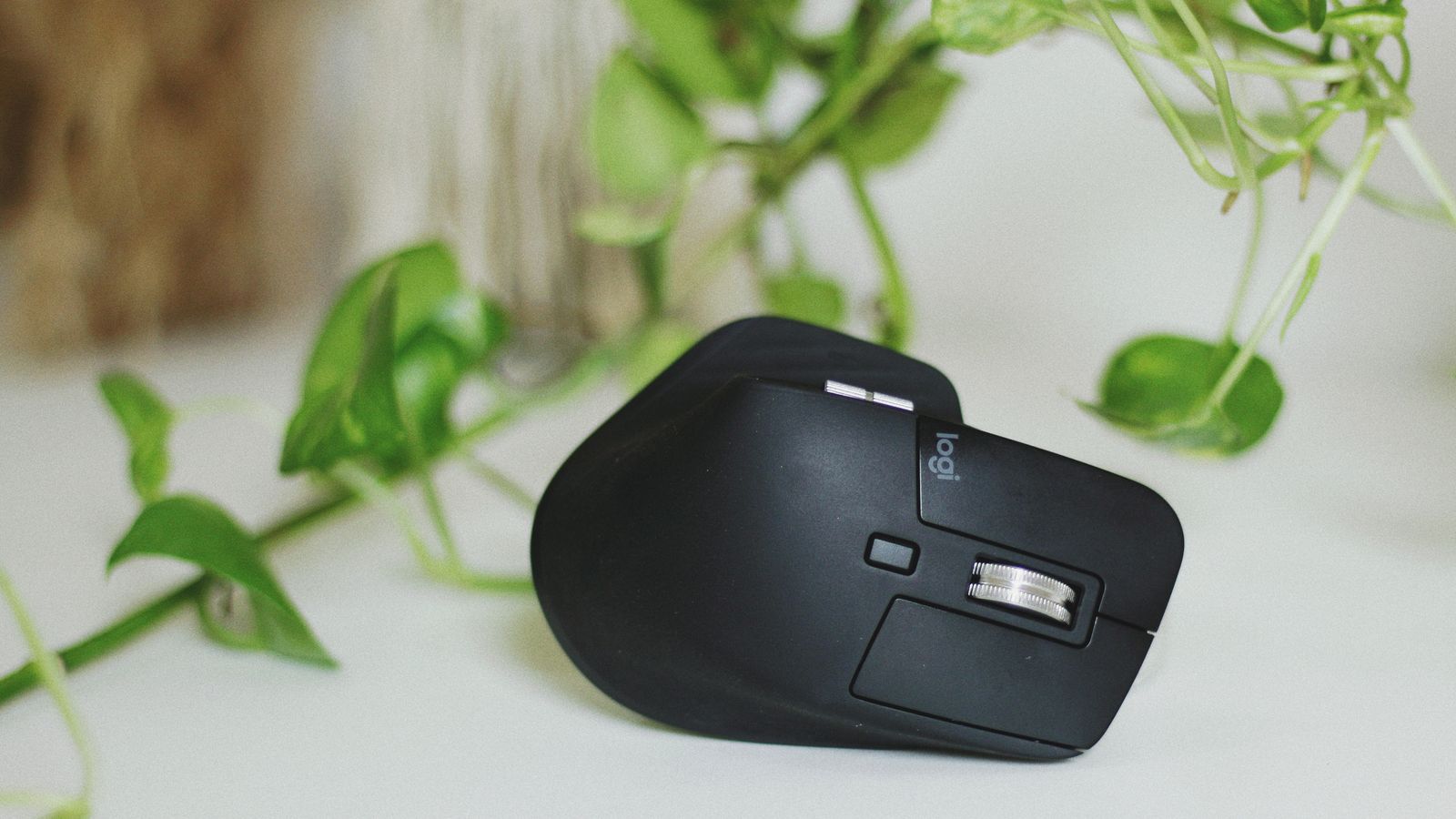
- Palm grip users with large hands need a mouse with a longer body and a raised rear hump to fully support the palm — anything too short will leave your wrist unsupported and bent upward.
- Check the width at the widest point of the mouse. If your palm width measured in Step 1 is close to or exceeds the mouse’s widest point, the fit will feel cramped no matter how “ergonomic” the shape is marketed as.
- Vertical mice reduce forearm rotation strain but require a slightly different comparison — check the grip diameter rather than length, since your hand wraps around rather than resting on top.
- Compare button placement — thumb buttons should sit naturally under your thumb without stretching when your hand is in a relaxed grip.
- See real side-by-side options in this roundup of ergonomic mice for large hands to compare body length and grip styles at a glance.
Step 4: Test Wrist Angle With Both Devices Together
- Set both the keyboard and mouse on your desk at the same height and distance you would actually use daily.
- Rest your hands naturally on each device and check whether your wrists sit flat, or whether they angle upward or sideways.
- If the keyboard is low profile but the mouse forces an upward wrist bend, the pairing is not actually ergonomic as a system — even though each piece looks good individually.
- Pay attention to elbow angle too. Both devices should let your elbows stay near a 90-degree bend without you hunching forward to reach either one.
- If wrist or forearm pain is a recurring issue rather than just an occasional ache, it is worth comparing dedicated ergonomic keyboards for wrist pain that add a split or tented design on top of the low profile key travel.
Step 5: Check Compatibility and Desk Space
- Confirm both devices connect the way your setup needs — USB receiver, Bluetooth, or wired — and that you are not mixing connection types that cause input lag mismatches.
- Measure your desk depth against the combined footprint of the keyboard and mouse, especially if you use a keyboard tray with limited room.
- If you use a wrist rest, make sure the low profile keyboard’s height matches the rest so your wrist doesn’t have to rise and fall between typing and clicking.
- Check driver software support if you plan to remap buttons or adjust DPI on the mouse — some larger ergonomic mice ship with fewer software customization options than gaming-focused models.
Common Mistakes to Avoid
- Buying based on hand length alone. Palm width matters just as much, especially for palm-grip users with broader hands but average finger length.
- Ignoring key travel when switching from a mechanical board. Going from 4mm travel to 1.2mm can feel jarring for the first week — expect an adjustment period, not an instant improvement.
- Testing only in a store demo for a few seconds. Ergonomic fit issues often only show up after 20-30 minutes of continuous use, not an instant grab-and-click.
- Pairing a compact keyboard with an oversized mouse without checking desk space. A great individual fit can still crowd your workspace if you don’t measure first.
- Assuming “ergonomic” branding guarantees a large-hand fit. Always check the published size chart rather than trusting the label alone.

Signs You Chose the Right Combo
- Your wrists stay flat and neutral during both typing and clicking without extra padding.
- Your fingers reach every key and button without stretching or curling awkwardly.
- You notice less fatigue in your forearms after a full workday compared to your previous setup.
- You are not repositioning your hands every few minutes to find a comfortable spot.
Frequently Asked Questions
How do I know if my hands count as “large” for keyboard and mouse sizing?
Most manufacturers consider a palm width above 3.5 inches or a hand length above 7.5 inches to fall into the large-hand category, though exact thresholds vary by brand. Measuring yourself directly is more reliable than guessing from glove size.
Is a low profile keyboard actually better for large hands, or just more compact?
It depends on your typing style. Low profile keyboards reduce finger travel distance, which can ease fatigue for people who type for long stretches, but the shallower keys may feel less satisfying if you’re used to heavier mechanical switches. It’s a comfort trade-off, not an automatic upgrade.
Should the keyboard and mouse be from the same brand?
Not necessarily. What matters far more is that both devices support a neutral wrist angle at the height and distance you actually use them. Mixing brands is completely fine as long as the ergonomic fit lines up.
How long should I test a new keyboard and mouse combo before deciding it’s not a fit?
Give it at least one to two full workweeks. Your hands need time to adjust to new key travel and mouse shape, and initial awkwardness often fades within the first several days of regular use.
Can I use a vertical mouse with a low profile keyboard?
Yes, and many large-handed users find this pairing especially comfortable, since the vertical mouse reduces forearm rotation while the low profile keyboard keeps typing effort light. Just double-check the desk height works for both.
Final Thoughts
Comparing a low profile keyboard against ergonomic mice for large hands comes down to matching real measurements — your palm width, hand length, and grip style — against the specs of each device, then testing them together rather than in isolation. Take the time to measure first, test the pairing as a system, and watch for wrist angle rather than chasing marketing labels, and you’ll land on a setup that actually holds up through a full workday.