A cluttered desk with headphones dangling off a monitor edge or piled on top of a keyboard is one of those small annoyances that quietly wears on you every single day. A headset hanger solves this in seconds: it clips or mounts to your desk, gives your headphones a dedicated spot, and keeps cables from tangling into a mess. If you have never used one before, this beginner’s guide walks you through what a headset hanger actually is, the different styles available, how to install and use one properly, and how to choose the right model for your setup.
What Is a Headset Hanger and Why Use One?
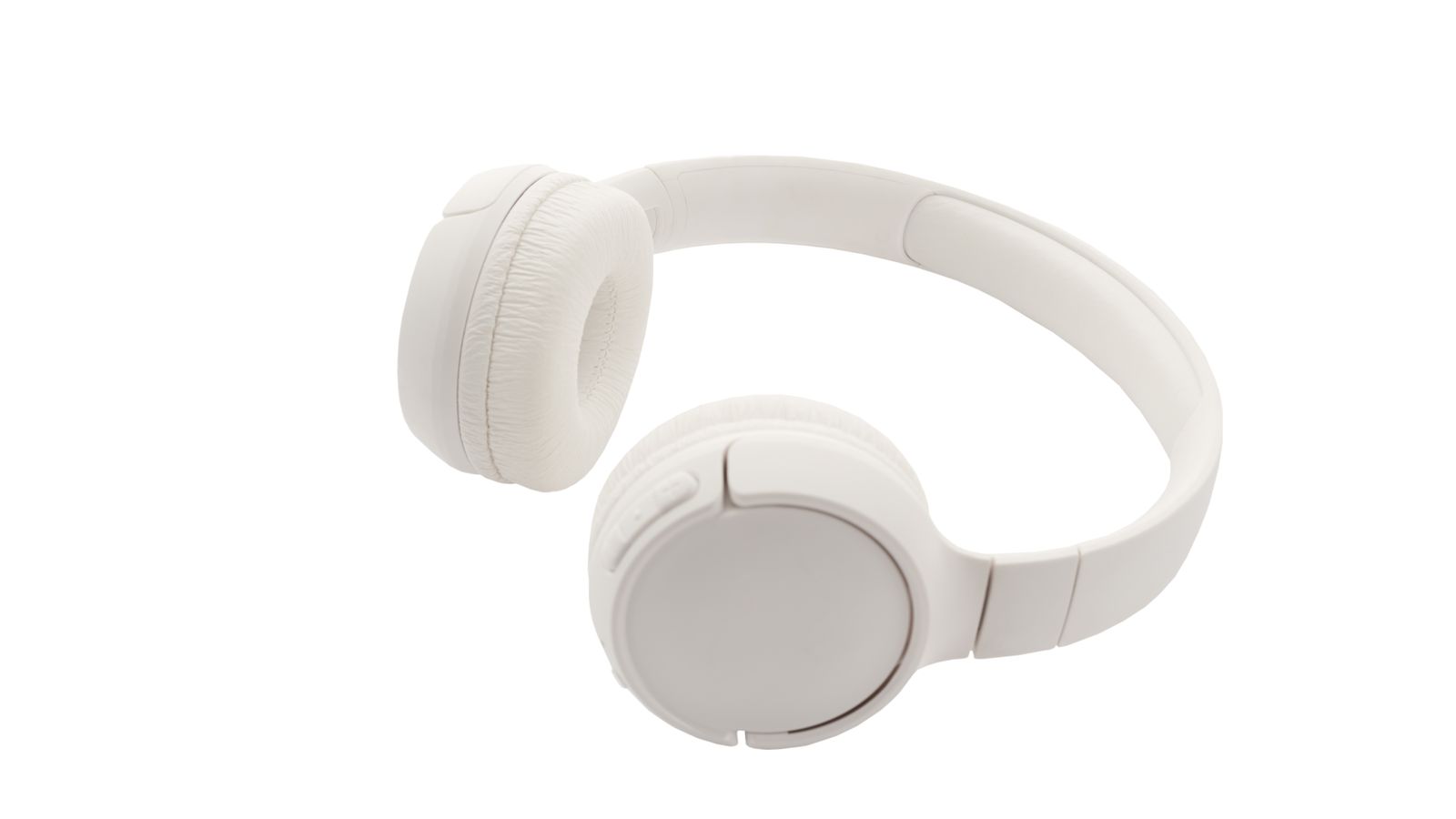
A headset hanger is a small accessory, usually made of metal, plastic, or a combination of both, that attaches to the edge of a desk and provides a hook or cradle for hanging headphones or a gaming headset when not in use. Instead of leaving your headset on the desk surface where it can get scratched, knocked to the floor, or simply take up space, the hanger keeps it suspended, organized, and within easy reach.
Beyond tidiness, there are practical reasons to use one. Headband padding and ear cushions last longer when they are not being crushed under other items on your desk. Cables stay less tangled because the hanger naturally routes the cord downward instead of letting it coil into knots. And if you work in a shared office or a small home setup, a hanger frees up valuable desk real estate that would otherwise be occupied by a bulky headset.
Types of Headset Hangers
Not all headset hangers are built the same way, and picking the right style depends on your desk, your headset, and how much desk space you are willing to give up.
Clamp-On Hangers
These attach directly to the edge of your desk using a screw-tightened clamp. They are extremely sturdy and rarely wobble even under a heavier gaming headset. The tradeoff is that they take up a fixed amount of vertical clearance under the desk, which can matter if you have limited leg room or already run a lot of cable management gear underneath.
Adhesive/Screw-Mounted Hangers
These attach with a strong adhesive pad or small screws, usually to the side or underside of the desk. They tend to have a slimmer profile than clamp models, but the mounting is more permanent and can leave residue or holes if you decide to move it later. This style works well if you know you will not be rearranging your desk often.
Under-Desk Hooks
Mounted to the underside of the desk, these hangers keep the headset completely out of view when not in use, which is great for anyone who prefers a minimalist desktop. The downside is slightly less convenient access since you have to reach below the desk edge.
Monitor-Mounted or Clip-On Hangers
Some hangers clip onto the side of a monitor or monitor arm instead of the desk itself. These are a good option if your desk edge is already crowded with other mounted accessories, though they add a bit of visible clutter around your screen.
What to Look for Before You Buy
Choosing a headset hanger is not just about picking the first one you see. A few details make a real difference in daily use.
- Weight capacity: Gaming headsets with metal headbands and boom mics can be heavier than simple wired headphones. Check the hanger’s rated weight limit so it does not sag or bend over time.
- Desk thickness compatibility: Clamp-style hangers have a maximum desk thickness they can grip. Measure your desk edge before ordering, especially if you have a thick standing desk or a glass-top desk with an unusual profile.
- Rotation and flexibility: Some hangers rotate 360 degrees or fold flat against the desk when not in use, which is handy if you need the space back temporarily.
- Material and finish: Metal hangers with a soft silicone or rubber coating protect the headband from scratches better than bare plastic hooks.
- Cable management features: Some models include a built-in cable clip or channel so the headset cord does not just dangle loose.
- Aesthetic fit: If you care about desk setup aesthetics, look for finishes (matte black, silver, walnut wood accents) that match your other desk accessories.
How to Install a Headset Hanger
Installation varies slightly by type, but the general process is straightforward and usually takes less than five minutes.
- Clear the section of the desk edge where you plan to mount the hanger, and wipe it down if you are using an adhesive model.
- For clamp-style hangers, loosen the clamp screw, slide the bracket over the desk edge, and tighten it until it feels firmly locked in place without over-tightening (which can dent softer desk materials).
- For adhesive or screw-mounted hangers, press firmly for the recommended time listed by the manufacturer (usually 30 seconds to a few minutes) or pre-drill light pilot holes if screws are included.
- Test the hook’s stability by applying light pressure before hanging your actual headset on it.
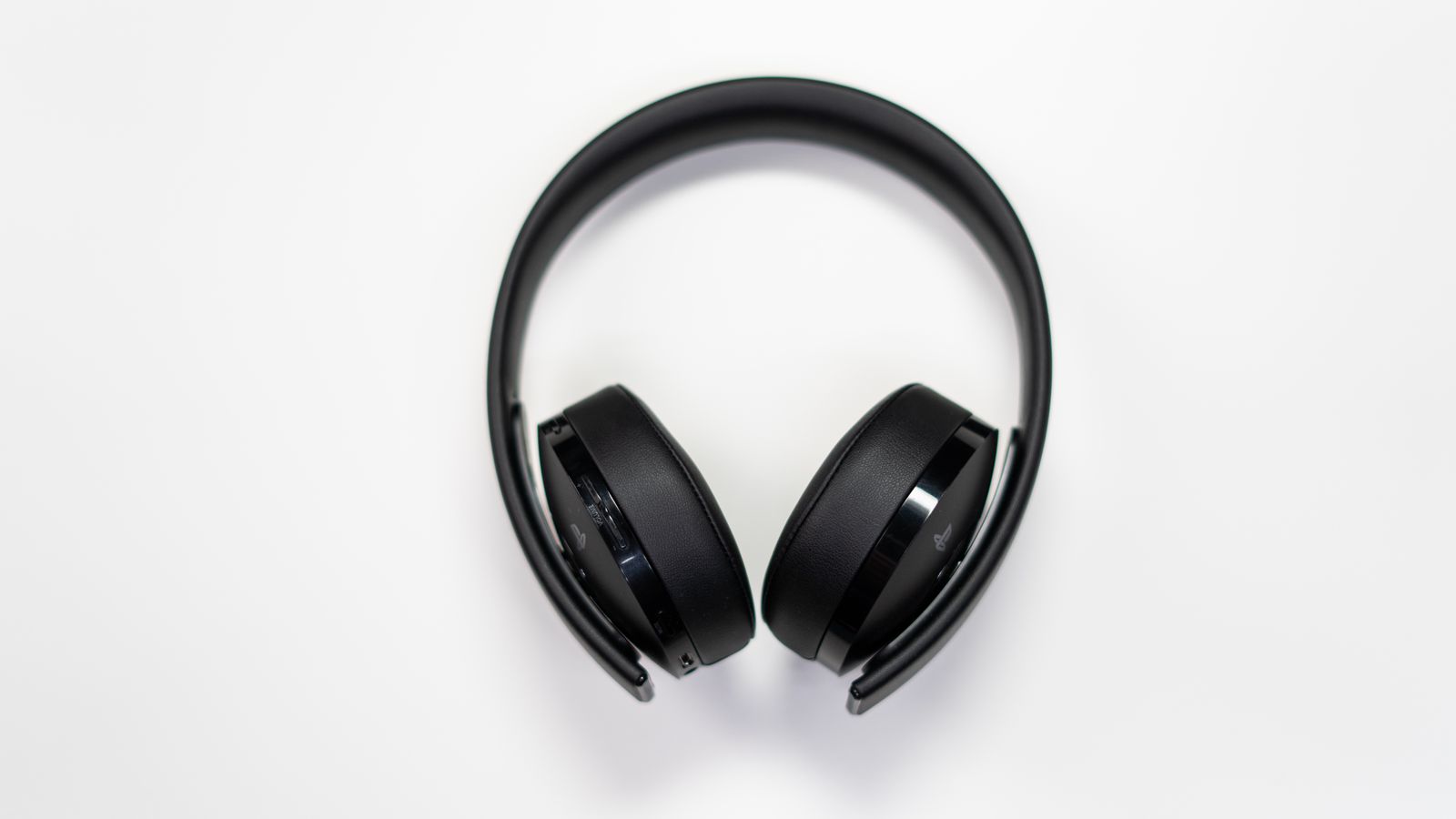
- Hang your headset by the headband, centering the weight so it does not lean to one side.
- If the hanger includes a cable clip, route the headset cord through it so it hangs neatly rather than swinging loose.
Getting the Most Out of Your Headset Hanger
A few small habits make a noticeable difference once your hanger is installed. Always hang the headset by the headband rather than by one ear cup, since one-sided hanging can stress the hinge over time. Keep the mounting point tight, especially with clamp models, and give it a quick check every few weeks. If your desk gets moved or adjusted often (standing desks in particular), pick a hanger rated for repositioning rather than a permanent adhesive mount.
It is also worth thinking about your hanger placement relative to your other desk accessories. If you already use monitor risers, cable trays, or drawer organizers, position the hanger where it will not interfere with monitor arm movement or drawer sliding. For anyone who wants a fully coordinated desk setup, it helps to look at compatible accessories as a system rather than buying pieces in isolation — for example, pairing a hanger with a monitor riser drawer can free up even more usable surface space for a keyboard and mouse.
Common Beginner Mistakes
- Overloading the hook: Hanging a headset well beyond its rated weight capacity can bend cheap hooks or cause them to snap off entirely.
- Ignoring desk thickness: Buying a clamp hanger without checking its maximum grip range is one of the most common return reasons — always measure first.
- Skipping cable management: Letting the cord dangle without routing it through a clip defeats part of the purpose and can lead to snagging.
- Mounting too close to the edge of movement zones: Placing the hanger where your chair, keyboard tray, or monitor arm regularly passes can cause accidental bumps and premature wear.
- Choosing looks over function: A stylish hanger that cannot support your headset’s actual weight will fail quickly, no matter how nice it looks on camera or in photos.

Headset Hanger vs. Other Desk Organization Tools
A headset hanger is just one piece of a well-organized desk. If your workspace is still cluttered even after hanging your headset properly, it is worth looking at what else is competing for desk space. Small mirrors, personal items, and loose accessories often end up scattered across the desk surface — mounted desk mirror clips can tuck a mirror out of the way using the same clamp logic as a headset hanger, keeping everything off the primary work area. Similarly, if cable clutter is still an issue beyond just your headset cord, pairing your hanger with broader cable management accessories addresses the root problem rather than just one symptom of it.
For anyone building out a full setup from scratch, browsing a curated list of headset hangers side by side is the fastest way to compare weight ratings, mounting styles, and price points before committing to one.
Budget Considerations
Headset hangers are one of the more affordable desk accessories out there, but price still correlates with build quality. Budget plastic hooks are fine for lightweight headphones and casual use, but they tend to loosen or crack under a heavier gaming headset over months of daily use. Mid-range metal hangers with a coated hook strike a good balance of durability and price for most people. Premium options add extras like rotating arms, integrated cable channels, or dual hooks for multiple headsets, which are worth the extra cost if you switch between devices often or share a desk with someone else.
Frequently Asked Questions
Will a headset hanger damage my desk?
Clamp-style hangers rarely cause damage if tightened correctly, though very soft wood desks can show light indentation over long periods. Adhesive mounts can leave residue when removed. If you are worried about marks, look for models with rubber or felt padding on the clamp jaws.
Can I use a headset hanger for regular headphones, not just gaming headsets?
Yes. Headset hangers work fine for any over-ear or on-ear headphones, as long as the headband fits the hook’s width and the weight is within the rated capacity.
Do I need tools to install one?
Most clamp-style hangers need no tools at all, just hand-tightening. Adhesive models need nothing beyond a clean surface. Screw-mounted models typically include a small screwdriver or require a basic one from home.
How much weight can a typical headset hanger hold?
Most hangers are rated to hold between 2 and 5 pounds, which comfortably covers the vast majority of consumer headsets, including heavier gaming models with boom microphones.
Can a headset hanger fold away when I don’t need it?
Many modern hangers include a rotating or folding hinge that lets you swing the hook flat against the desk edge when it is not holding anything, which is useful if you need the space temporarily.
Final Thoughts
A headset hanger is a small, inexpensive upgrade that solves a genuinely annoying desk problem. Once you know the different mounting styles, what to check before buying, and how to install one correctly, picking the right hanger for your setup becomes an easy decision. Combine it with a bit of thoughtful cable routing and a few complementary desk accessories, and you will have a noticeably cleaner, more functional workspace in just a few minutes of setup time.