A basement can be one of the most practical spots in the house for a home office — quiet, out of the way, and often the only room with enough floor space for a real workstation. But basements also come with a unique set of environmental and structural quirks that regular desks were never designed to handle. Moisture, uneven concrete floors, temperature swings, and limited natural light can all turn a perfectly good desk into a source of daily frustration. If your basement desk is wobbling, sticking, warping, or just never feels quite right, you are not imagining it — basements genuinely stress furniture differently than upstairs rooms do.
This guide walks through the most common problems basement desk owners run into, why they happen, and exactly how to fix or prevent them. Whether you built a DIY workstation or bought a ready-made desk, these troubleshooting steps will help you get a stable, comfortable setup that actually lasts down there.
Why Basements Are Hard on Desks
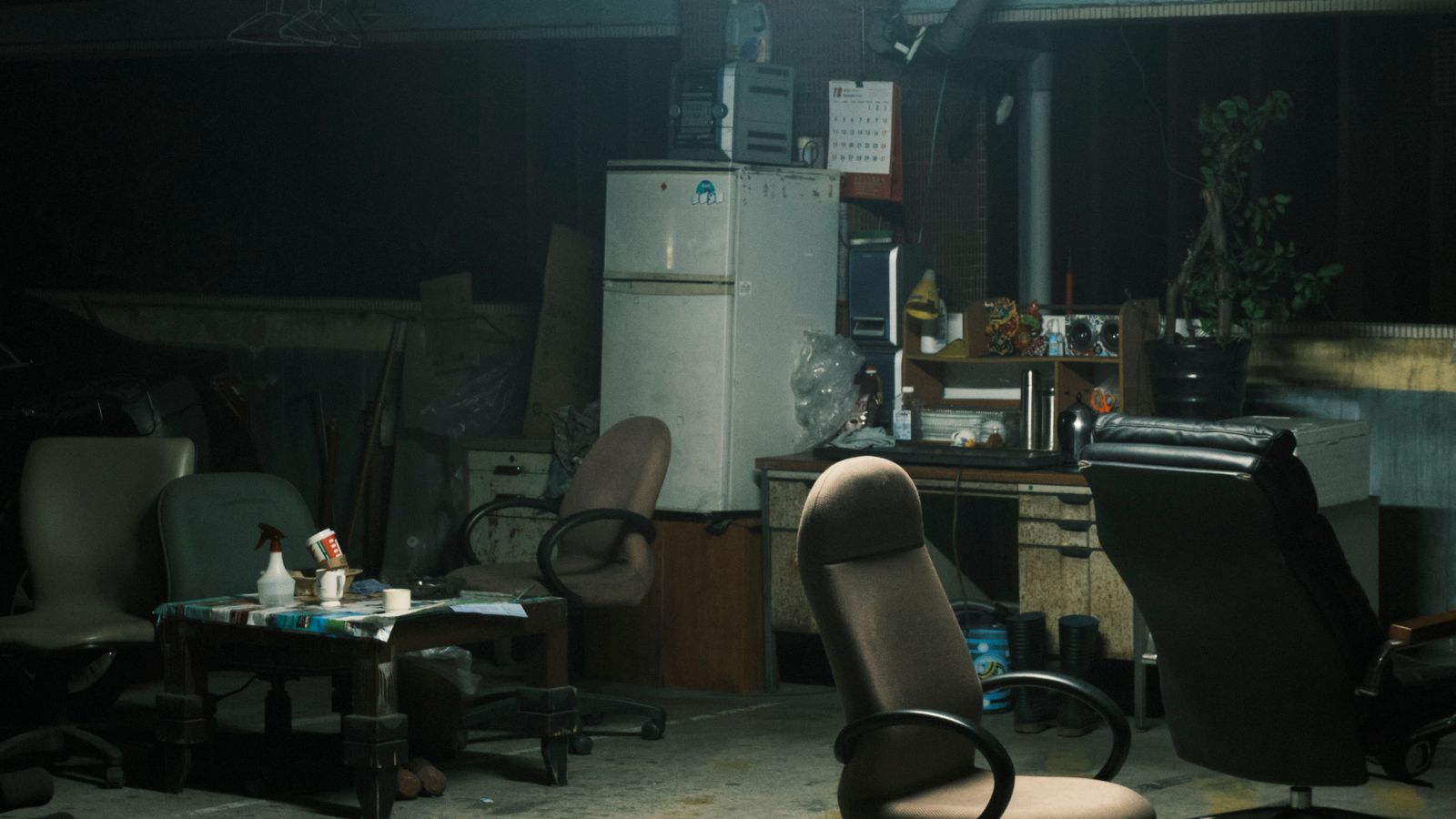
Before diagnosing a specific issue, it helps to understand what makes a basement different from a normal room. Basements typically sit partially or fully below grade, which means they are closer to the soil and groundwater surrounding your foundation. That proximity brings three recurring challenges:
- Higher humidity: Basements often run 10-20% more humid than the rest of the house, especially in summer.
- Cooler, more variable temperatures: Concrete walls and slab floors hold cold and release it slowly, causing materials to expand and contract.
- Uneven or sloped flooring: Concrete slabs are frequently poured with a slight drainage slope, and older basements may have settled unevenly over decades.
Every problem below traces back to one or more of these three root causes.
Problem 1: The Desk Wobbles or Rocks
Wobbling is the single most reported basement desk problem, and it is almost always a floor issue rather than a desk defect.
How to diagnose it
- Place a bubble level on the desktop, checking both the front-to-back and side-to-side axis.
- Slide a folded piece of paper under each leg to find which leg (or legs) are not making full contact with the floor.
- Check the floor itself with the level — basement slabs commonly slope 1/8 to 1/4 inch per foot toward a floor drain.
How to fix it
- Use adjustable leg levelers or self-adhesive furniture pads under the short leg(s) to close the gap.
- For metal-frame desks, check that every leg bolt is torqued evenly; uneven tightening alone can create a wobble even on a flat floor.
- If the slope is severe, place a thin plywood shim (cut to size and sanded smooth) under the entire desk footprint rather than shimming individual legs, which keeps the desk from twisting.
- For standing desks specifically, re-run the calibration or reset procedure after leveling, since frame sensors can misread height when the base is not sitting flat.
Problem 2: Drawers Stick or Won’t Close
Sticking drawers are a humidity problem almost every time. Wood swells as it absorbs moisture from damp basement air, and drawer glides bind against the swollen sides.
Signs to look for
- Drawers that closed fine in spring but stick by mid-summer.
- Visible gaps that shrink back down in winter (when basements dry out with the heating season).
- A musty smell inside the drawer, which suggests moisture has been sitting there for a while.
How to fix it
- Remove the drawer and sand the sides lightly where it contacts the runners — a few passes with fine-grit sandpaper is usually enough.
- Rub a bar of paraffin wax or a dry silicone spray along the drawer rails to reduce friction going forward.
- Run a dehumidifier in the room and aim to keep relative humidity between 40-50%, which is the range most furniture manufacturers design for.
- If the desk has a keyboard tray instead of drawers and it is binding on its slides, the same wax/silicone treatment usually solves it — see our roundup of the best keyboard drawers if yours is due for a replacement with more moisture-tolerant hardware.
Problem 3: Warping, Cupping, or Cracking Wood
Warping is the more serious cousin of sticking drawers. When one side of a wood panel absorbs more moisture than the other (for example, the underside facing a cold slab versus the top facing room air), the panel cups or bows.
How to fix it
- Catch it early: a slight cup can sometimes be corrected by evening out moisture exposure — wipe the drier side with a barely damp cloth and let both sides dry together under light, even weight for a few days.
- For a desktop that has cracked or split, the damage is usually structural rather than cosmetic, and the safest fix is replacement rather than repair.
- Going forward, seal any exposed or unfinished wood edges (especially the underside and back panel) with polyurethane or wood sealant to slow future moisture absorption.
- Consider swapping a solid-wood desk for one with a laminate, metal, or engineered-wood top, which resist basement humidity far better than raw hardwood.
Problem 4: Metal Legs and Hardware Rusting
Metal-frame desks are generally more moisture-tolerant than wood, but bare or scratched metal in a humid basement can still develop surface rust, particularly around bolt heads and welds.
How to fix it
- Wipe rust spots with a cloth dampened in white vinegar, then scrub gently with fine steel wool.
- Dry the area completely and apply a light coat of clear rust-inhibiting spray or car wax to the bare metal.
- Check that all leg feet have rubber or plastic caps — bare metal feet sitting directly on a concrete slab rust fastest because they are in constant contact with the coldest, most moisture-prone surface in the room.
Problem 5: Cold or Damp Feel at the Workstation
Even when the desk itself is structurally fine, sitting at a basement desk can feel uncomfortably cold or clammy, which is a comfort problem worth solving separately from the furniture.
- Add an area rug under the desk to break the direct thermal connection between your feet and the concrete slab.
- Run a small space heater or use a heated footrest during colder months.
- Check that the desk is not placed directly against an exterior foundation wall, which tends to be the coldest and dampest surface in the basement.
Problem 6: Desk Doesn’t Fit the Space Well
Basements often have low ceilings, support columns, and irregular layouts that a standard desk was not designed around. If you are troubleshooting fit rather than a physical defect, it may be worth reconsidering the desk style entirely rather than forcing an awkward layout to work.
- Corner or L-shaped desks make better use of irregular basement footprints than long rectangular desks.
- Compact or narrow-depth desks help when a support column or low duct limits usable floor space.
- If ceiling height is tight, a desk with a lower profile paired with a standard chair (rather than a tall standing desk) often fits more comfortably.
For a curated look at desks built specifically with these constraints in mind, browse our guide to Desks for Basements, which covers models tested for moisture resistance and compact footprints.
Common Mistakes to Avoid
- Ignoring the humidity source. Fixing a sticky drawer without addressing the room’s moisture level means the problem will just come back.
- Shimming only one leg. On a sloped slab, this often just shifts the wobble to a different corner.
- Placing the desk against an exterior wall without a moisture barrier. This is the single most common cause of repeat warping and rust.
- Skipping a dehumidifier because the room “feels dry.” Basements can feel comfortable to a person while still sitting well above the humidity range wood furniture prefers.
Maintenance Schedule to Prevent Future Problems
- Weekly: Wipe down the desktop and check drawer operation.
- Monthly: Check under-desk humidity with a small hygrometer and empty/clean the dehumidifier reservoir.
- Seasonally: Re-level the desk after major temperature swings (start of summer and start of winter are the two biggest shift points).
- Annually: Reapply sealant to exposed wood edges and re-check metal hardware for rust spots.
When to Replace Instead of Repair
Not every basement desk problem is worth fixing. It usually makes more sense to replace the desk if:
- The desktop has cracked all the way through or delaminated in multiple spots.
- Rust has eaten into structural welds rather than just surface metal.
- You are repeatedly re-leveling the same desk every few months with no lasting fix.
- The desk simply was not designed for below-grade use — many entry-level particleboard desks have no moisture-resistant coating at all.
If your current desk is doing double duty in a guest room or occasional workspace instead of the basement, it is also worth comparing options built for that room type — see our picks for desks for bedrooms if you are furnishing more than one space at once.
FAQ
How often should I check my basement desk for moisture damage?
A quick visual check monthly is enough for most homes, with a more thorough inspection at the start of each season when humidity and temperature shift the most.
Will a dehumidifier really stop my desk from warping?
In most cases, yes. Keeping relative humidity in the 40-50% range removes the root cause of swelling, sticking, and warping rather than just treating the symptoms.
Is it better to buy a metal or wood desk for a basement?
Metal-frame desks with laminate or engineered-wood tops generally hold up better in basement conditions than solid hardwood, since they absorb far less moisture and are less prone to warping.
Can I fix a wobbly desk without buying new leg levelers?
Yes — a folded piece of cardstock or a thin rubber furniture pad under the short leg works as a temporary fix, though adjustable levelers give a more permanent, precise result.
Should I place my desk directly against a basement wall?
Leaving a couple of inches of clearance between the desk and any exterior wall improves airflow and reduces the moisture and temperature exposure that causes most of the problems in this guide.
Final Thoughts
Most basement desk problems come down to the same underlying culprits: humidity, uneven concrete, and temperature swings. Once you know that, troubleshooting becomes a lot less mysterious — level the floor contact, control the moisture, protect exposed materials, and choose furniture designed with below-grade rooms in mind. A little preventive maintenance goes a long way toward keeping a basement workstation stable and comfortable for years.