A portable charger that refuses to charge your phone, won’t hold a charge overnight, or suddenly stops working mid-cable is one of the most frustrating small-tech failures you can run into. The good news is that most portable charger problems trace back to a handful of common causes — a worn cable, a dirty port, a depleted battery cell, or a simple firmware hiccup — and nearly all of them can be diagnosed and fixed at home without replacing the unit. This guide walks through a practical, step-by-step troubleshooting process so you can figure out exactly what’s wrong with your power bank and decide whether it’s worth repairing, resetting, or replacing.
What You’ll Need Before You Start
Before you dig into troubleshooting, gather a few basic tools. You likely already have most of these lying around:
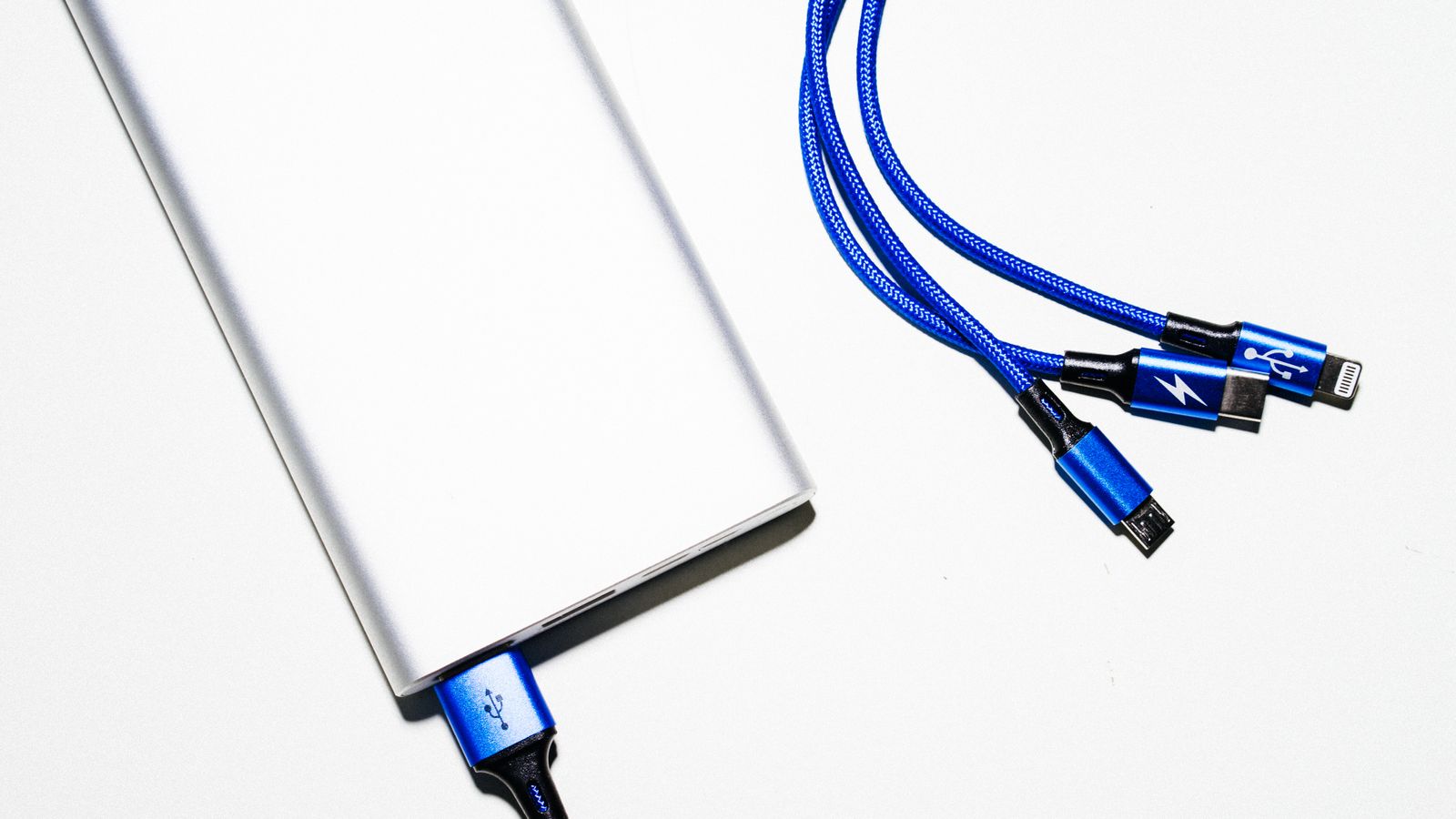
- The portable charger in question, plus its original cable if possible
- At least one alternate USB cable (preferably a known-good, high-quality one)
- A wall adapter/power brick you know works, separate from any laptop USB port
- A second device (phone, tablet, or small gadget) to test charging output
- A flashlight or phone light to inspect ports for debris
- A soft brush, toothpick, or can of compressed air for cleaning connectors
Having a working cable and a working device on hand is critical — without them, you can’t tell whether the charger itself is faulty or whether the problem lies with an accessory.
Step 1: Confirm the Charger Actually Has Power
- Press the power button (if your model has one) and watch the LED indicator lights.
- If no lights appear at all, plug the charger into a wall outlet using its original charging cable and let it sit for 15-20 minutes before testing again.
- Check the LED pattern against the charger’s manual — some units use blinking patterns to signal low battery, overheating, or fault codes rather than a simple “empty” state.
- If the lights come on only when plugged in but disappear the moment you unplug it, the internal battery cells are likely no longer holding a charge.
A completely dead charger with zero response to charging is usually either a battery that has dropped below its protection circuit’s minimum voltage threshold, or a failed internal fuse. Leaving it on the charger for a longer trickle-charge session (up to an hour) sometimes revives units that tripped this protection.
Step 2: Rule Out the Cable
Cables are, by far, the most common point of failure in any charging setup, and they’re often blamed on the charger itself. Swap in a different cable — ideally one rated for the wattage you’re trying to pull — and retest both charging the power bank and discharging it into a device.
- Inspect the cable for fraying, kinks, or a loose connection near the connector head.
- Wiggle the cable gently while it’s plugged in; a fluctuating connection or flickering LED indicates a damaged cable rather than a charger problem.
- Cheap or damaged cables often support power delivery inconsistently, so a cable that “mostly” works can still cause intermittent charging failures.
If a fresh cable solves the issue entirely, you don’t have a charger problem — you have a cable problem, and it’s a five-dollar fix rather than a replacement purchase.
Step 3: Clean and Inspect the Ports
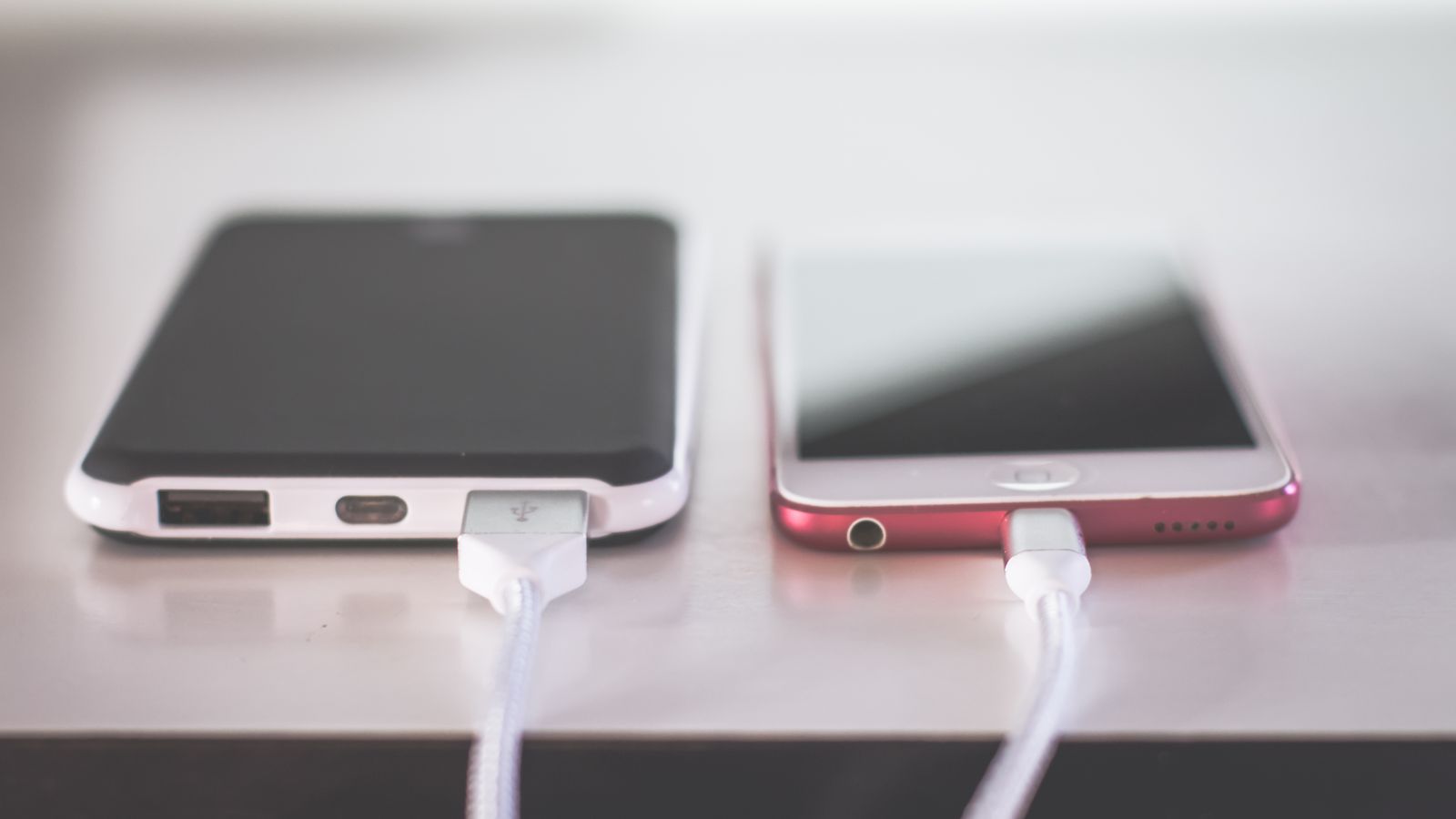
Pocket lint, dust, and debris build up inside USB-A, USB-C, and micro-USB ports over time, especially if the charger travels in a bag or pocket regularly. A blocked port can prevent full metal-to-metal contact even when the cable is seated correctly.
- Power off the charger and unplug all cables.
- Shine a light directly into each port and look for lint, dust clumps, or bent pins.
- Use a wooden toothpick or plastic tool (never metal) to gently loosen debris, then use compressed air to blow it out.
- For USB-C ports, check that the center tongue isn’t bent or pushed to one side — this alone can prevent a secure connection.
- Reconnect a known-good cable and test again.
Step 4: Test the Wall Adapter and Outlet
If your charger won’t charge up from the wall, the issue may not be the power bank at all. Try a different wall adapter and a different outlet, and avoid charging directly from a laptop’s USB port, which often supplies less current than a dedicated wall brick.
- Confirm the wall adapter’s output wattage matches or exceeds what your charger requires for full-speed charging.
- Test the same outlet with another device to rule out a dead outlet or tripped circuit.
- If you’re using a power strip or extension cord, plug directly into the wall instead to eliminate another variable.
Step 5: Check for Overheating
Many portable chargers include thermal protection circuitry that automatically shuts off charging (input or output) once internal temperatures climb too high. This is a safety feature, not necessarily a defect.
- If the charger feels noticeably warm or hot, unplug it and let it cool to room temperature for 30 minutes before retesting.
- Avoid charging it under direct sunlight, inside a hot car, or under a pillow or blanket where heat can’t dissipate.
- If overheating happens consistently during normal room-temperature use, this points to a genuine battery degradation issue rather than an environmental cause.
Step 6: Diagnose Slow or Reduced Charging Output
If the charger works but charges devices painfully slowly, the cause is usually one of these:
- Wrong port selected — many multi-port chargers have one high-speed port and one or more standard ports; make sure you’re plugged into the fast-charge port.
- Cable limitations — a cable rated only for charging (not data/power delivery) can bottleneck output significantly.
- Simultaneous charging — charging multiple devices at once from the same power bank splits available current between them.
- Aging battery cells — lithium-ion cells naturally lose capacity and peak output over hundreds of charge cycles, which is a normal wear pattern, not a defect.
Step 7: Try a Full Reset
Some portable chargers, particularly smart models with digital displays or app connectivity, can freeze in a bad internal state. Most support a reset:
- Hold the power button down for 10-15 seconds (check your manual, as timing varies by model).
- Fully drain the charger, then fully charge it to 100% in one uninterrupted session.
- For app-connected chargers, disconnect and reconnect via Bluetooth, then check for a firmware update in the companion app.
A full drain-and-recharge cycle also helps recalibrate the battery percentage indicator if it’s been reporting inaccurate charge levels.
Step 8: Know When to Replace It
Not every problem is fixable, and lithium-ion batteries degrade permanently over time. Consider replacing your portable charger if you notice:
- Visible swelling or a puffy, misshapen casing — stop using it immediately, as this signals a dangerous battery fault
- A capacity that has dropped so much it can no longer charge a phone even close to a full cycle
- Persistent overheating even with a good cable, cool environment, and light load
- Physical damage to the casing, ports, or internal rattling sounds
If you’re shopping for a reliable replacement, our roundup of Portable Chargers covers models with better thermal management, faster charging speeds, and more durable ports — worth a look if your current unit is degrading rather than simply malfunctioning.
Common Mistakes That Cause Charging Problems
- Storing it fully empty for long periods — deep-discharge storage accelerates battery degradation; store at roughly 40-60% charge if unused for weeks.
- Using low-quality, uncertified cables — these can undercharge, overheat, or even damage the charger’s internal circuitry.
- Leaving it in extreme heat or cold — cars, direct sun, and freezing bags all shorten lithium-ion battery life significantly.
- Ignoring firmware updates — smart chargers with companion apps sometimes fix charging bugs through simple updates.
- Mixing charger and device incompatibilities — always confirm your charger supports the wattage and protocol (USB-PD, Quick Charge, etc.) your device expects.
Safety Notes
Lithium-ion batteries can pose a fire risk if damaged or mishandled. Never attempt to open, puncture, or disassemble a portable charger. If you notice swelling, a burning smell, excessive heat, or leaking, stop using the device immediately, move it away from flammable materials, and dispose of it at a certified battery recycling location rather than in household trash.
Building a More Reliable Charging Setup
If troubleshooting reveals that your charger is simply outdated or underpowered for your current devices, it may be worth rethinking your whole charging setup rather than buying a like-for-like replacement. For home office or desk-based use, pairing a dependable power bank with a stable primary workstation — such as one of the desktop computers in our guide — reduces your day-to-day reliance on portable power in the first place. And if you’re working with a compact setup, checking out our picks for best mini PCs can help you build a smaller, more energy-efficient desk footprint that leaves your portable charger free for actual travel and mobile use.
Frequently Asked Questions
Why does my portable charger show a full charge but die instantly when used?
This usually indicates a battery calibration issue or degraded cells that can’t sustain a real load even though the indicator reports full. Try a complete drain-and-recharge cycle; if the problem persists, the battery has likely lost significant capacity.
Can I still use a portable charger that gets warm during charging?
Mild warmth is normal, especially during fast charging. Concerning heat is when the casing becomes uncomfortable to touch, causes charging to stop automatically, or is accompanied by swelling or odor — in those cases, stop use.
How many charge cycles does a typical portable charger last?
Most lithium-ion power banks are rated for roughly 300-500 full charge cycles before capacity drops meaningfully below the original rating. Frequency of use, storage habits, and heat exposure all affect this lifespan.
Why does my charger work with one device but not another?
This is typically a protocol mismatch — the charger may only support certain fast-charging standards (like USB-PD or Quick Charge) that your device doesn’t use, causing it to fall back to slow or no charging with incompatible gear.
Is it safe to leave a portable charger plugged in overnight?
Most modern chargers include overcharge protection that stops charging once full, making overnight charging generally safe. However, unplugging once fully charged still reduces long-term battery stress and heat exposure.