When the temperature finally drops and your desk fan sits idle for the season, tossing it in a closet corner is the fastest way to shorten its lifespan. Dust builds up in the motor housing, blades warp under pressure from stacked boxes, and cords get tangled or kinked until they fray. Learning how to store your office fan the right way protects your investment and means it will run quietly and efficiently the moment you pull it back out. This guide walks through the exact steps, tools, and precautions to take before your fan goes into storage.
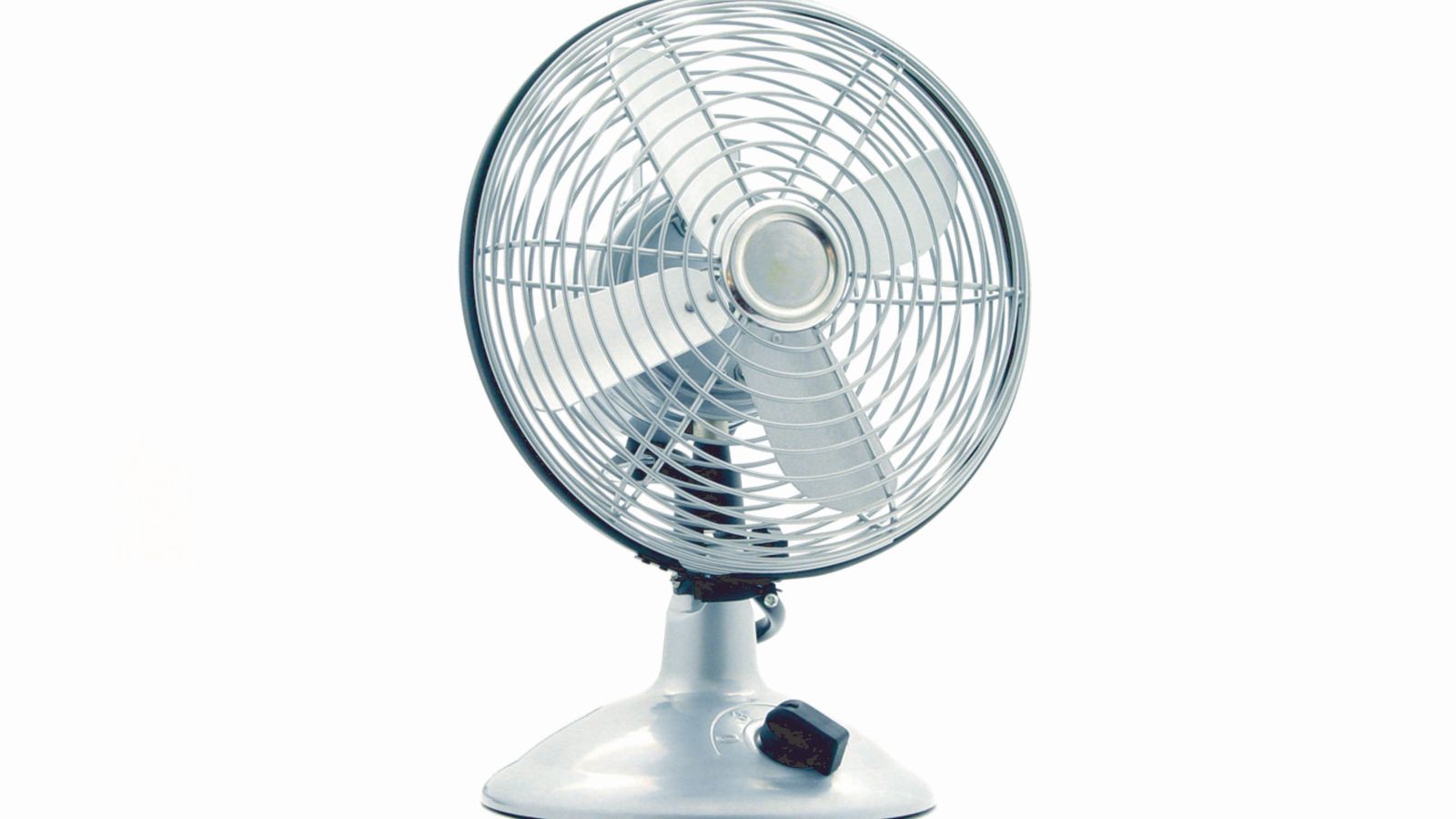
What You’ll Need Before You Start
Gather these supplies before you begin so the process goes smoothly from start to finish:
- A soft microfiber cloth or duster
- A can of compressed air or a small handheld vacuum with a brush attachment
- A mild dish soap and water solution (for washable blade guards)
- A screwdriver, if your fan’s grille is removable
- Twist ties, velcro straps, or a cord organizer
- A breathable storage box or a fitted fabric cover
- Silica gel packets (optional, for humid climates)
If your workspace relies heavily on air circulation, it’s worth browsing our roundup of the Office Fans built specifically for desks and small rooms, since some models are easier to disassemble and store than others.
Step 1: Unplug and Let the Motor Cool
- Turn the fan off and unplug it from the wall outlet.
- Wait at least 15 minutes if the fan has been running recently, since the motor housing can retain heat that traps moisture once packed away.
- Move the fan to a flat, stable surface where you have room to work, such as a table or the floor.
Step 2: Remove Dust From the Grille and Blades
- Wipe down the outer grille with a dry microfiber cloth to lift surface dust.
- Use compressed air or a vacuum brush attachment to clear dust trapped between the grille slats and around the motor housing vents.
- If the front grille is removable, unscrew it carefully and set the screws aside in a small dish so they don’t get lost.
- Wipe each blade individually with a slightly damp cloth, then dry thoroughly. Never submerge the motor housing in water.
Step 3: Disassemble Removable Parts
Most office fans allow you to detach the blade guard, the blade itself, and sometimes the base or stand. Disassembling the unit before storage reduces the risk of bent blades or cracked plastic clips from being crammed into a box at odd angles.
- Remove the front and back grilles if your model permits it.
- Slide off the fan blade by unscrewing or unclipping the center hub, depending on your fan’s design.
- Detach the base or tilt bracket if it separates from the main housing.
- Keep all screws and small clips together in a labeled zip bag taped to the inside of the storage box.
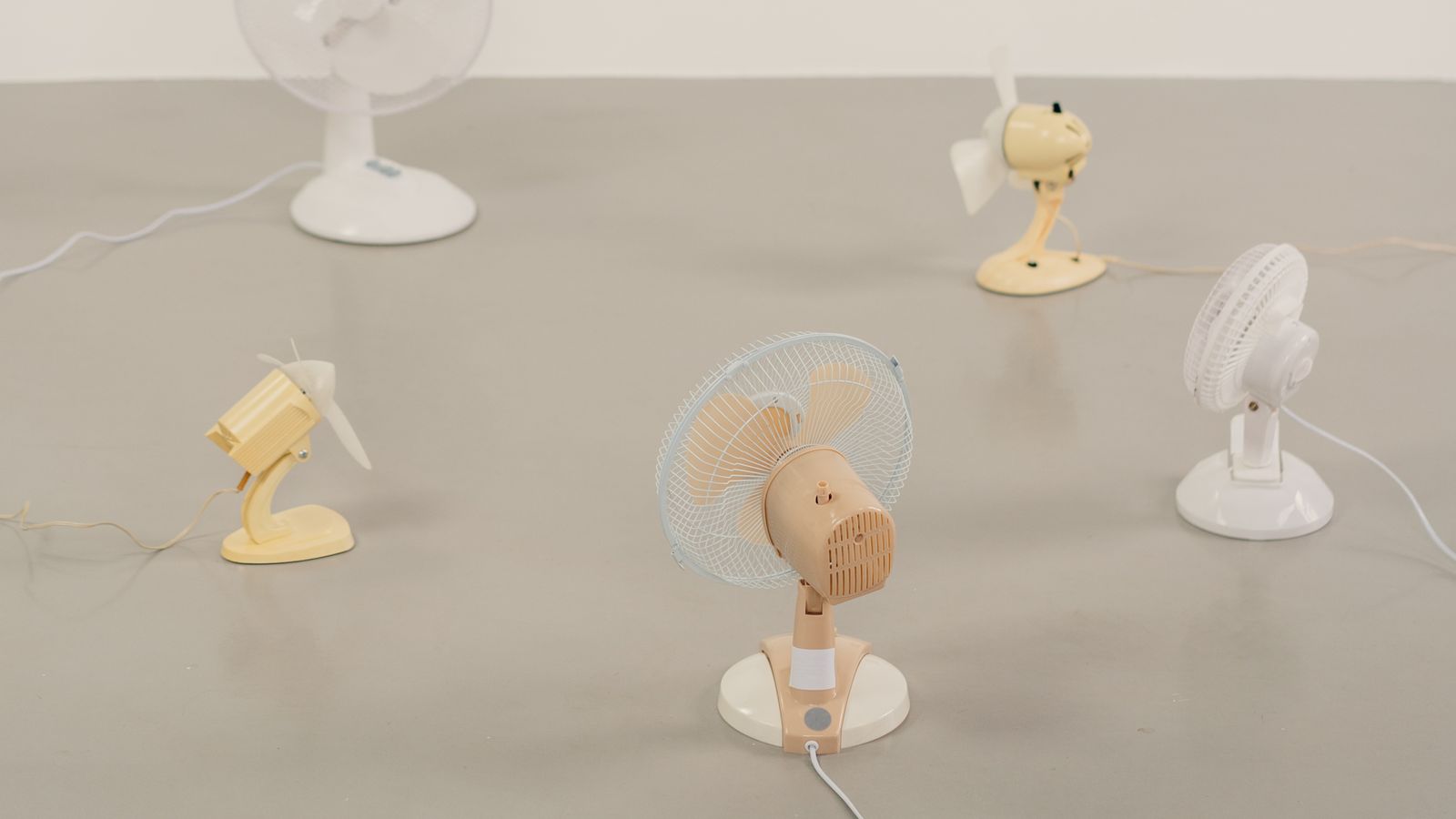
Step 4: Manage the Power Cord
A loosely coiled or tightly kinked cord is one of the most common causes of frayed wires in stored electronics. To keep the cord in good condition:
- Coil the cord in loose, wide loops rather than tight wraps.
- Secure the coil with a velcro strap instead of a rubber band, which can degrade and stick to the cord over time.
- Avoid wrapping the cord tightly around the fan body, as this puts stress on the plug connection point.
- Tuck the coiled cord into the base or a side pocket of the storage box so it doesn’t get crushed.
Step 5: Choose the Right Storage Container
Plastic bins seem convenient, but they can trap residual moisture and encourage mold or rust on metal components. A few better options include:
- Original packaging: If you kept the box the fan came in, it’s usually molded to fit the unit perfectly and prevents shifting.
- Breathable fabric storage bag: Allows air circulation while keeping dust out.
- Cardboard box with silica gel packets: A good middle ground if you live somewhere humid; the packets absorb excess moisture inside the box.
Whatever container you choose, avoid stacking heavy items on top. Fan blades and plastic housings are more fragile than they look, and even a modest amount of weight can warp them permanently.
Step 6: Pick a Suitable Storage Location
Where you store the fan matters as much as how you prepare it. Look for a spot that is:
- Dry, with low humidity, to prevent rust on metal motor parts
- Temperature-stable, avoiding attics or garages that swing between extreme heat and cold
- Free of direct sunlight, which can fade and warp plastic housings over time
- Elevated off the floor, in case of minor flooding or spills
A closet shelf, an under-desk cabinet, or a climate-controlled storage room all work well. If your office also stores other seasonal equipment, keeping a shared checklist nearby, similar to how you’d organize a supply station with a well-stocked first aid kit, helps everyone remember where things belong when they need to be retrieved again.
Safety Notes
- Always unplug the fan and let it cool before cleaning or disassembling.
- Never use excessive water near the motor housing or electrical connections.
- Store fans away from flammable materials, even though most modern units are low-risk when powered off.
- Double-check that the cord is fully dry before sealing it inside a closed container to avoid mildew.
Common Mistakes to Avoid
- Storing it dusty: Dust left on the motor can attract moisture and accelerate corrosion over the off-season.
- Wrapping the cord too tight: This stresses the internal wiring at the plug and fan-body connection points.
- Using an airtight plastic bin without moisture control: Trapped humidity can lead to mold on plastic parts and rust on metal fasteners.
- Stacking boxes on top: Even light pressure can bend blades or crack grilles over months of storage.
- Forgetting the screws: Loose hardware gets lost easily if it isn’t bagged and labeled right away.
Getting Your Fan Ready for Reuse
When the season changes and it’s time to bring the fan back out, give it a quick once-over before plugging it back in. Wipe away any dust that settled during storage, reassemble the blade and grille, and check that the cord shows no signs of cracking or fraying. Spin the blade by hand first to confirm nothing is obstructed, then plug it in on a low setting to listen for unusual noises. If you decide it’s time to upgrade rather than repair an aging unit, our guide to the best office fans covers models built for quieter operation and easier long-term maintenance.
While you’re refreshing your workspace setup, it’s also a good moment to tidy up nearby areas. Swapping out a cluttered office bulletin board or reorganizing your desk supplies pairs well with a seasonal fan storage routine, since you’re already in cleaning mode.
Frequently Asked Questions
How often should I clean my office fan even when it’s in regular use?
Wipe down the grille and blades every few weeks during heavy use, and do a deeper clean, including disassembly, at least once per season to prevent dust buildup from affecting airflow.
Can I store my fan standing upright?
Yes, as long as it’s stable and won’t tip over. Laying it flat is also fine, but make sure nothing heavy rests on top of the blades or grille while it’s stored that way.
Is it safe to store a fan in a garage or attic?
Only if the space stays reasonably dry and doesn’t experience extreme temperature swings. Consistent heat and cold cycles can warp plastic components and degrade the cord’s insulation faster than climate-controlled storage.
Do I need to remove the blade before storing the fan?
It’s not strictly required, but removing the blade reduces the risk of it bending under pressure and makes the fan easier to fit into a compact storage box.
What should I do if I find rust on the fan when I take it out of storage?
Light surface rust on the grille or base can usually be wiped away with a cloth and a small amount of rust remover. If rust has reached internal motor components, it may be safer and more cost-effective to replace the unit.
Storing your office fan properly takes only fifteen or twenty minutes, but it pays off every time you unpack it ready to run instead of covered in dust or held together with a bent blade. A little care at the end of the season means one less thing to worry about when the next heat wave rolls around.