A desktop air purifier is one of those small appliances that quietly runs in the background for years — until it doesn’t. Knowing how long yours should last, and what signs point to a replacement, helps you avoid breathing stale, unfiltered air without realizing the unit has stopped doing its job. This guide breaks down the realistic lifespan of a desktop air purifier, the parts that wear out fastest, and how to tell when it’s time to retire the old one for a new pick.

How Long Does a Desktop Air Purifier Actually Last?
Most desktop air purifiers are built to run for roughly 3 to 5 years of daily use before the motor, fan, or housing starts to show real wear. That number varies a lot depending on build quality, how many hours a day it runs, and how well you maintain the filters. A budget unit run 24/7 in a dusty room might struggle after 18 months, while a well-maintained mid-range model can keep working past the 5-year mark.
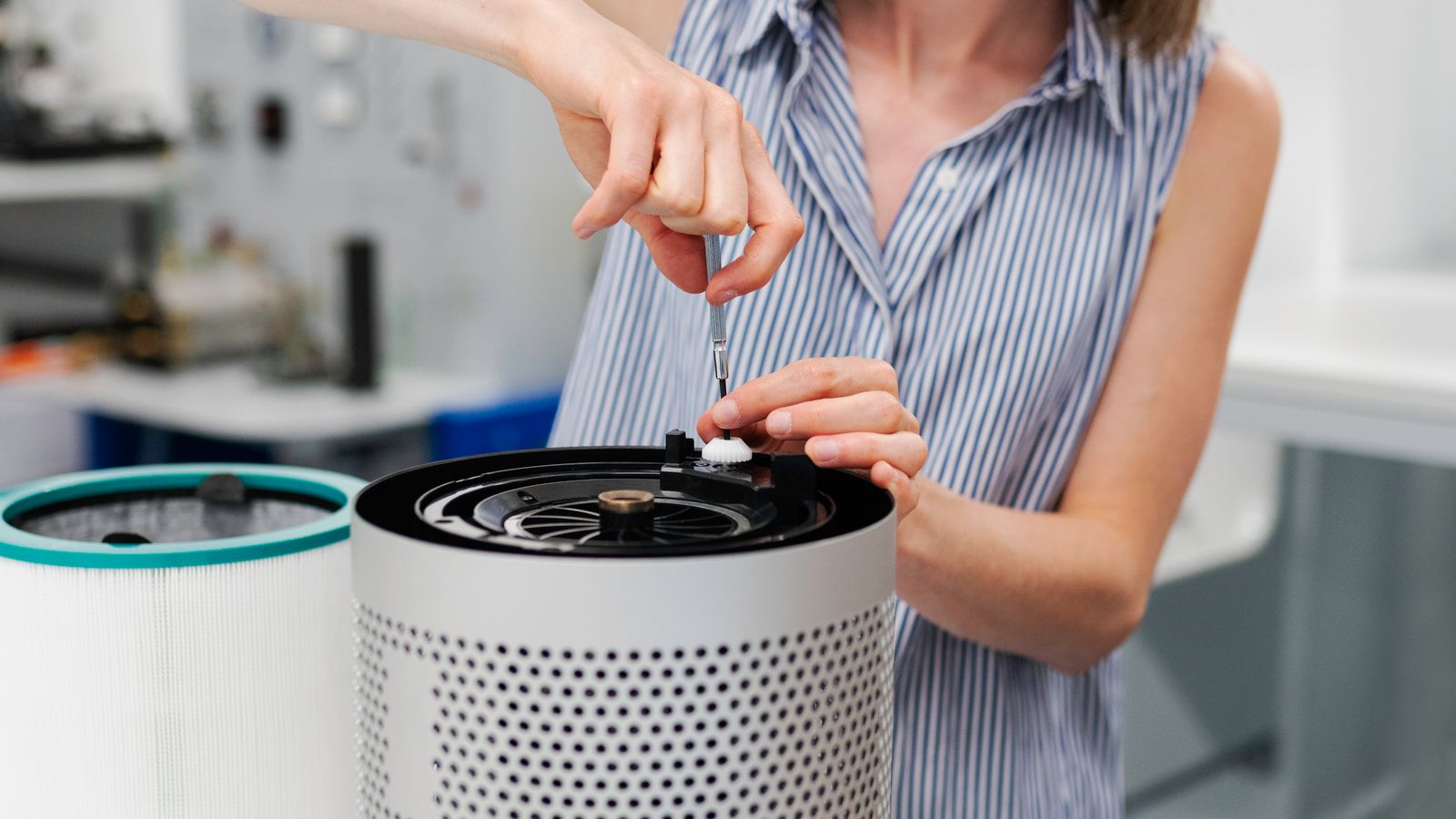
The purifier itself (the motor and housing) usually outlasts its filters by a wide margin. Filters are consumables — they are designed to be replaced on a regular schedule, while the unit’s motor and fan assembly are the long-term components that eventually determine when the whole device needs replacing.
What You’ll Need to Assess Your Purifier’s Lifespan
- A flashlight to inspect the filter and intake vents
- The manufacturer’s manual or model number (for filter specs and warranty info)
- A notepad or phone reminder app to track filter change dates
- Replacement filters on hand, if you plan to keep using the unit
Signs Your Desktop Air Purifier Needs Replacing
1. The Fan Sounds Louder or Rougher Than Before
A gradual increase in noise, especially a grinding, rattling, or high-pitched whine, usually means the fan motor bearings are wearing out. A little dust buildup can cause extra noise too, so clean the unit first — but if the noise persists after cleaning, the motor itself is likely failing.
2. Reduced Airflow Even With a Fresh Filter
If you’ve just swapped in a new filter and the airflow out of the unit still feels weak compared to when it was new, the fan motor may no longer be spinning at full strength. This is one of the clearest indicators that the appliance — not just the filter — has reached the end of its useful life.
3. Persistent Odors or Dust Despite Regular Filter Changes
If you’re changing filters on schedule but still noticing dust settling on surfaces or lingering odors, the unit may no longer be moving enough air through the filter to clean the room effectively, or the housing seals have degraded and air is bypassing the filter altogether.
4. Cracked Housing, Loose Buttons, or Failing Controls
Plastic housings can become brittle over years of heat cycling near a desk lamp or sunny window. Cracks let unfiltered air leak past the filter, and unresponsive buttons or a flickering display often signal aging internal electronics.
5. It No Longer Turns On Reliably
Intermittent power issues — needing to jiggle the cord, or the unit shutting off randomly — point to a failing internal power supply. At this stage, repair costs typically exceed what a new desktop purifier costs, making replacement the practical choice.
Filter Replacement Intervals vs. Whole-Unit Replacement
It’s important to separate two different replacement schedules:
- HEPA filters typically need replacing every 6 to 12 months depending on usage and air quality in the room.
- Carbon/odor filters often need replacing more frequently, every 3 to 6 months, since they saturate faster with odor molecules.
- The purifier unit itself (motor, fan, housing, sensors) is the long-term component, generally good for 3 to 5 years before performance drops enough to warrant a full replacement.
If you’re diligent about filter changes but still seeing the symptoms above, the problem is the machine, not the filter — and that’s your cue to shop for a new one rather than keep replacing filters on a failing unit.
How to Extend Your Desktop Air Purifier’s Lifespan
Keep It Away From Excess Dust and Moisture
Placing the unit directly on a dusty floor or near a humid kitchen counter accelerates internal component wear. A clean, dry desktop surface with a few inches of clearance on all sides helps the motor run cooler and last longer.
Clean the Pre-Filter and Vents Regularly
Most desktop purifiers have a washable pre-filter or mesh screen that catches larger particles before they reach the main filter. Vacuuming or rinsing this every couple of weeks reduces strain on the fan motor and keeps airflow consistent.
Stick to a Filter Replacement Schedule
Set a recurring reminder based on your manufacturer’s recommended interval. Running a purifier with a clogged filter forces the motor to work harder, which shortens the lifespan of the whole unit — not just the filter.
Avoid Running It Nonstop at Maximum Speed
If your room doesn’t need constant high-speed filtration, use auto or a lower fan setting. Continuous max-speed operation wears the motor faster than intermittent or moderate use.
Common Mistakes to Avoid
- Ignoring the filter change indicator light — running past it strains the motor and reduces air quality.
- Buying generic filters that don’t fit properly — gaps around a loose-fitting filter let unfiltered air pass through.
- Placing the unit against a wall or in a closed cabinet — restricted airflow makes the motor work harder and overheat.
- Waiting for total failure before shopping around — by the time a unit stops turning on, you’re breathing poorly filtered air for weeks or months beforehand without noticing.
Choosing a Replacement
When your current desktop purifier starts showing the signs above, it’s worth comparing current options rather than replacing it with the same model out of habit. Filter costs, noise levels, and coverage area all vary significantly between units. Our roundup of Desktop Air Purifiers covers a range of sizes and price points if you’re ready to upgrade.
If part of your reason for wanting fresher air is temperature-related — for example, running a space heater that also stirs up dust — it’s worth pairing your new purifier with a look at our guide to desk heaters, since some models are designed to work well alongside air purifiers without recirculating dust. And if airflow and circulation (rather than filtration alone) are part of your comfort setup, our picks for best USB fans are a useful complement for keeping air moving around a desk.
FAQ
How do I know if it’s the filter or the unit that’s failing?
Replace the filter first. If airflow, noise, and air quality don’t improve after installing a fresh filter, the issue is with the motor, fan, or housing — meaning the unit itself needs replacing.
Can I repair a desktop air purifier instead of replacing it?
For units still under warranty, contact the manufacturer. Outside of warranty, repair costs for motor or electronics issues often approach or exceed the price of a new mid-range unit, so replacement is usually more practical.
Does running a purifier 24/7 shorten its lifespan?
Continuous operation does add wear compared to intermittent use, but most desktop units are designed for regular daily operation. Using a lower fan speed when high filtration isn’t needed helps reduce long-term strain.
Is a louder purifier always a sign it needs replacing?
Not necessarily — check for dust buildup on the fan blades and intake first, since a good cleaning often resolves noise issues. If the sound persists after cleaning, it likely points to motor wear.
How often should I replace a desktop air purifier overall?
Most people replace their desktop air purifier every 3 to 5 years, though a well-maintained unit with regular filter changes and cleaning can sometimes run longer before performance noticeably declines.