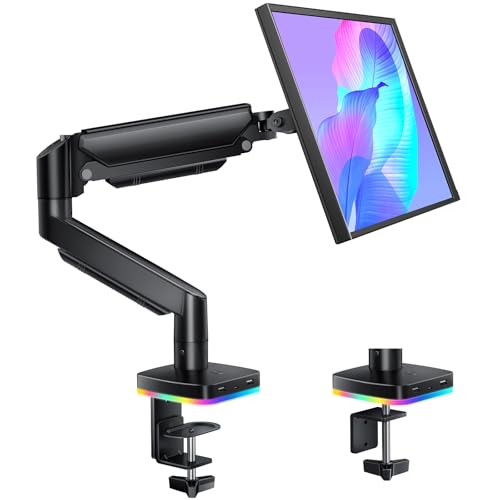
Best Monitor Arms for Heavy Monitors
A standard monitor arm is built around a fairly narrow assumption: the screen sitting on it weighs somewhere between 10 and 20 pounds. That assumption breaks down fast once you own a large panel, an older LCD with a dense internal power supply, or a monitor with built-in speakers and a thick metal chassis. Mount one of those on an entry-level arm and you’ll usually see the same failure pattern within a few weeks — the screen slowly tips forward, the tilt joint loosens no matter how many times you re-tighten it, and the whole setup starts to feel unstable every time you bump the desk. The fix isn’t a better brand of the same arm. It’s a monitor arm built and rated specifically for a heavier load.
This guide is focused on exactly that: monitor arms for heavy monitors, meaning arms rated for a high weight capacity, reinforced clamp or grommet mounting hardware, and a spring or counterbalance mechanism strong enough to hold a heavy panel steady without drifting downward over time. It applies to any single heavy monitor, whatever its shape or aspect ratio — a dense 27″ professional display, an older 32″ panel, or a large screen with integrated speakers all fall under the same weight-capacity question.
One quick scoping note before the picks: if your search actually started because your panel is an ultrawide or you’re planning a triple-monitor desk, this article still applies to the weight-capacity math, but it isn’t written around screen curvature or multi-arm desk layouts specifically. Once dedicated ultrawide- and triple-monitor-arm guides are published on this site, those are worth checking too — this piece stays focused on the general question of how much a monitor arm for heavy monitors can actually hold.
Quick Answer
If you just want a starting point, the WALI Heavy Duty Monitor Arm for 13-49″ Screens is a solid all-around monitor arm for heavy monitors, rated up to 44 lbs with a dual C-clamp and grommet base that suits most desk edges. If your panel runs on the heavier end of that range, the MOUNTUP Heavy Duty Monitor Arm and the Hexcal Heavy Duty Monitor Arm push capacity even further, at up to 66 lbs and 59.4 lbs respectively. For buyers who want a name-brand build quality track record, the Ergotron HX Premium Heavy Duty Monitor Arm is worth the extra cost. The 9 options below cover a useful spread of weight ratings, mounting styles, and mechanisms so you can match a heavy monitor arm to your specific panel instead of guessing.


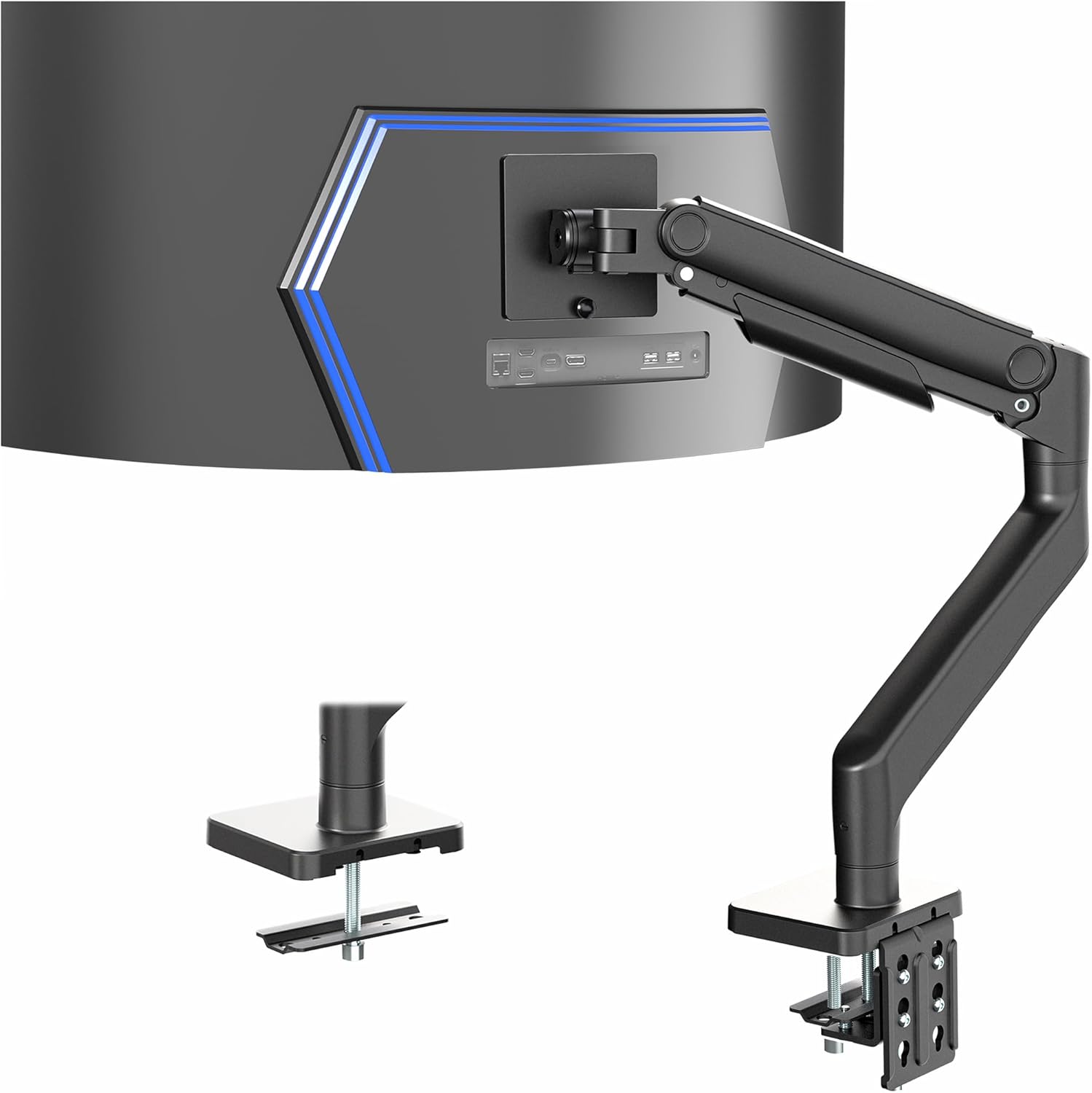
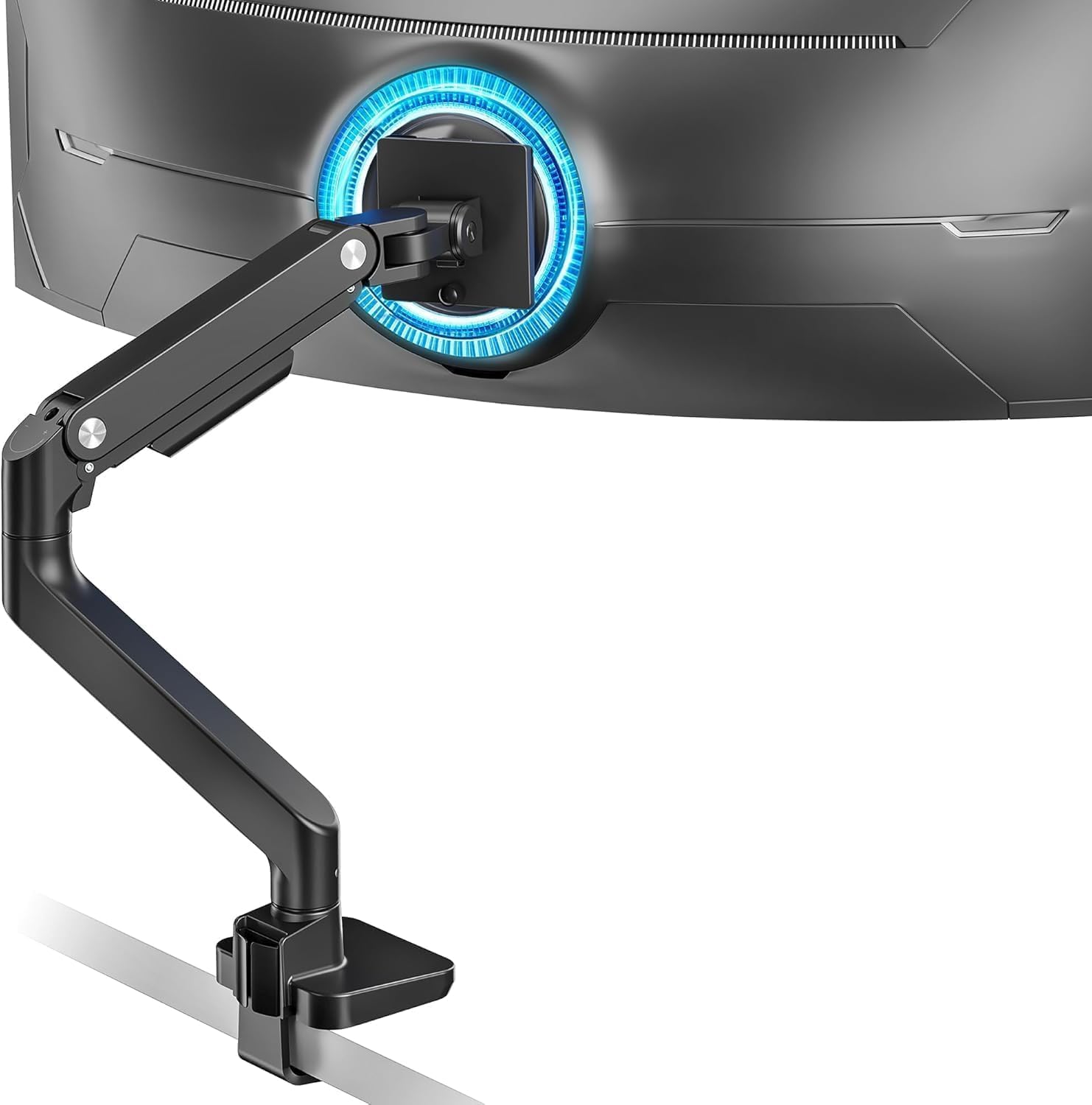

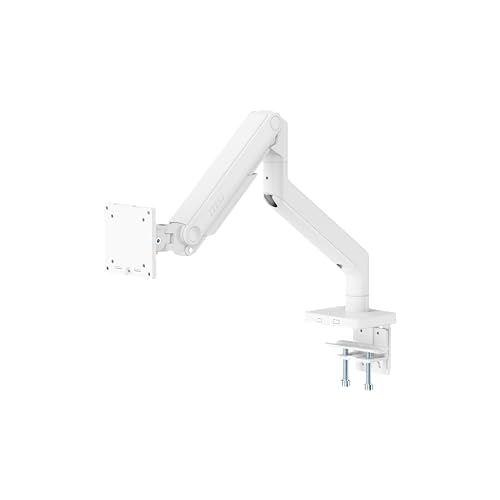
Top Picks at a Glance
- Best Overall: WALI Heavy Duty Monitor Arm for 13-49″ Screens — up to 44 lbs, dual C-clamp and grommet base, broad VESA compatibility.
- Best Premium: Ergotron HX Premium Heavy Duty Monitor Arm — 20 to 42 lbs range with Ergotron’s long-standing reputation for load-bearing consistency.
- Best for Extra-Heavy Monitors: MOUNTUP Heavy Duty Monitor Arm — rated up to 66 lbs, the highest capacity in this lineup.
- Best High-Capacity Value: Hexcal Heavy Duty Monitor Arm — supports up to 59.4 lbs with a quick-release VESA plate.
- Best Dual-Clamp Stability: HUANUO TitanLift Heavy Duty Monitor Arm — 44 lbs capacity with a dual C-clamp base for extra resistance to torque.
- Best Tension-Arm Design: VIVO Heavy Duty Aluminum Monitor Tension Arm — 44 lbs, aluminum construction built around a tension mechanism rather than a gas spring.
- Best Gas-Spring Mechanism: ARES WING Monitor Desk Arm — 44 lbs with a pro-grade gas spring for full range of motion under load.
- Best Reinforced Desk Mount: BenQ ErgoArm BSH01 Heavy Duty VESA Desk Mount — 44 lbs with a reinforcement plate that protects and stabilizes the desktop.
- Best for Gaming Setups: MSI MAG MT201W Heavy Duty Monitor Stand Arm — 44 lbs, spring-assisted with a quick-release plate for panel swaps.
How Much Weight Does Your Monitor Actually Need Support For?
Before comparing any monitor arm for heavy monitors, it helps to know the actual number you’re shopping against. Screen size is a rough proxy for weight, but it isn’t reliable on its own — a 27″ panel with a metal chassis and built-in speakers can weigh more than a 32″ panel with a plastic shell and no internal audio hardware. The number that matters is the monitor’s net weight, which is usually listed on the manufacturer’s spec sheet under “weight” or “net weight,” not the heavier “shipping weight” figure that includes the box and packaging.
As a rough guide, compact 24″-27″ monitors with plastic housings often land in the 10-15 lb range, which most standard arms handle fine. Once you move into large single panels, older LCD monitors with heavier internal power supplies, or any screen with integrated speakers or a soundbar, weight commonly climbs into the 18-30 lb range — right at the edge where a basic arm starts to sag. Professional-grade or older CCFL-backlit panels can go even higher. If your monitor’s net weight sits anywhere above roughly 20 lbs, you’re squarely in the territory where a heavy monitor arm, not a standard one, is the right category to shop in.
It’s also worth building in some margin. A monitor arm for heavy monitors rated right at your panel’s exact weight will hold it, but it won’t have much reserve if you ever swap in a slightly heavier display later, add a lightweight soundbar mount to the same VESA plate, or just want the tilt mechanism to move smoothly instead of feeling maxed out. Buying a size up on capacity is generally the safer call. If your monitor is right at the edge of what any arm can comfortably support, a fixed option like the picks in this site’s monitor stand risers guide is worth a look as a lower-risk alternative to an articulating arm.
What Makes a Monitor Arm “Heavy Duty”?
“Heavy duty” isn’t a regulated term, so it’s worth understanding what’s actually different under the hood between a standard arm and a genuine heavy monitor arm.
Weight capacity rating: minimum vs. maximum
Every arm lists a maximum rated weight, but the more useful number for a heavy panel is often the minimum weight needed for the spring or counterbalance to engage properly. An arm rated for “4.4 to 66 lbs,” for example, is telling you it can smoothly support anything in that range — which matters because a mechanism tuned only for very light monitors can feel loose or wobbly once you’re near its upper limit, even if it’s technically still “rated” for that weight.
Gas spring vs. tension/counterbalance mechanisms
Most heavy-duty options rely on either a gas spring (a pressurized cylinder that resists downward force) or a mechanical tension/counterbalance system using springs and pivots. Gas-spring designs tend to offer smoother height adjustment under heavier loads and often support a wider single-arm range of motion, while tension-based arms can be simpler and, on some models, more resistant to losing pressure over years of use. Either design can work well for a heavy monitor as long as it’s rated for the weight in question — the mechanism type matters less than the rated capacity matching your panel.
Build material and joint construction
Aluminum alloy arms with reinforced steel joints are the norm for genuinely heavy-duty designs. Thin stamped-metal arms may look similar in photos but flex slightly under sustained heavy load, which is exactly the kind of flex that turns into visible droop after a few months. A dual-clamp or wider base plate is another sign of a design meant for real weight, since it spreads the leverage of a heavy panel across more contact points instead of concentrating it on a single small clamp.
Mounting hardware: clamp vs. grommet
Nearly every arm in this category ships with both a C-clamp and a grommet base, and the choice matters more with a heavy panel than a light one. A clamp mount grips the desk edge and needs a desk thickness within the arm’s supported range; a grommet mount runs a bolt through a drilled hole in the desktop and distributes the load differently. For a heavy monitor, a wobbly or marginal clamp fit is a bigger risk than it would be for a lightweight screen, so it’s worth double-checking your desk’s edge thickness against the arm’s clamp range before buying. If you’re weighing grommet hardware more closely, this site’s guide to desk grommets covers hole sizing and installation in more depth.
VESA pattern range
Larger and heavier monitors often use a bigger VESA mounting pattern — 100x100mm or even 100x200mm instead of the smaller 75x75mm pattern common on compact screens. A monitor arm for heavy monitors typically supports a wider VESA range for exactly this reason, but it’s still worth confirming your specific panel’s VESA spec against the arm’s supported range before ordering.
Not Sure If You Need Ultrawide or Multi-Monitor Support Instead?
Ultrawide panels and multi-monitor desk setups are frequently heavy too, so it’s easy to land on this page while actually shopping for one of those. This guide is intentionally scoped to the weight-capacity question for a single heavy monitor — any shape, any aspect ratio — rather than the specific mounting geometry of an ultrawide screen or the arm-spacing and desk-width considerations of a triple-monitor setup. If your actual situation is an ultrawide or curved panel, or you’re mounting two or three monitors side by side, look for this site’s dedicated guides on those topics once they’re published; they’ll dig into the screen-width and multi-arm details that a general heavy-duty roundup like this one doesn’t cover in depth.
For readers with a single heavy monitor — which is most of what brought people to this page — the picks and criteria above stay directly relevant.
How We Evaluated These Monitor Arms for Heavy Monitors
Every product in this roundup was pulled from live Amazon listings and cross-checked against the manufacturer’s published specifications. For each monitor arm for heavy monitors under consideration, we looked at the stated maximum weight capacity, the supported VESA pattern range, the mounting hardware included (clamp, grommet, or both), the type of lift mechanism (gas spring, tension, or counterbalance), and any details the listing provided about build material, such as aluminum alloy construction or reinforced base plates. We also noted warranty length where listed, since a longer warranty is a reasonable signal that a manufacturer trusts its own load-bearing hardware over time.
This is a desk-research comparison based on manufacturer and Amazon listing data rather than in-house lab load testing, so treat the weight ratings here as the starting point for your own comparison against your monitor’s actual net weight — not a substitute for double-checking the current listing before you buy, since availability, pricing, and even model revisions can change.
If you also want to double check how your desk itself holds up under a heavier monitor arm’s clamp force, it’s worth reading through a guide like best standing desks for heavy setups alongside this one, especially if you’re mounting the arm on a sit-stand frame rather than a fixed desk.
Common Mistakes When Buying a Monitor Arm for a Heavy Monitor
- Shopping by screen size instead of weight. A larger screen size doesn’t automatically mean a heavier monitor, and vice versa — always check the actual net weight spec before matching it to an arm’s capacity.
- Ignoring the minimum engagement weight. An arm rated for a wide range can still feel loose or over-sprung if your monitor sits near the bottom of that range rather than the middle.
- Assuming any “heavy duty” label means top-tier capacity. The term isn’t standardized — always check the specific lb rating rather than trusting marketing language alone.
- Skipping the VESA pattern check. A monitor arm for heavy monitors that supports a wide weight range still needs to physically match your panel’s VESA hole spacing.
- Clamping to an incompatible desk edge. Very thick, very thin, glass, or curved desk edges can fall outside a clamp’s supported range — the grommet mount is often the safer choice in those cases.
- Buying capacity with zero margin. Matching an arm’s max rating exactly to your monitor’s weight leaves no room for a heavier future upgrade or added accessories on the same mount.
- Not checking the desk’s own stability. Even a well-rated heavy monitor arm can wobble if it’s mounted on a lightweight or unstable desk surface.
Buying Checklist for a Heavy Monitor Arm
- Confirm your monitor’s actual net weight from the manufacturer spec sheet, not the shipping weight.
- Choose a monitor arm for heavy monitors with a maximum rated capacity comfortably above that number, not just equal to it.
- Match the arm’s supported VESA pattern to your monitor’s VESA spec (75×75, 100×100, or 100x200mm).
- Check your desk’s edge thickness against the arm’s clamp range, or confirm grommet-mount compatibility if clamping isn’t an option.
- Consider whether a gas-spring or tension mechanism better suits how often you’ll adjust height and tilt.
- Look for a reinforced base plate or dual-clamp design if your monitor is toward the higher end of the weight range.
- Check the warranty length as a rough indicator of the manufacturer’s confidence in long-term load performance.
- Verify current price, availability, and any recent listing changes directly on Amazon before ordering.
Frequently Asked Questions
How heavy is too heavy for a standard monitor arm?
Most entry-level monitor arms are rated for roughly 15-24 lbs. Once your monitor’s net weight goes meaningfully above that, or you notice the screen drifting downward after a few weeks, it’s time to move up to a heavy monitor arm rated for 30 lbs or more.
Can a heavy-duty monitor arm also be used with a lighter monitor?
Generally yes, as long as your monitor’s weight is at or above the arm’s minimum engagement weight. Below that minimum, the spring or counterbalance may feel too stiff or bounce back up when you try to lower the screen.
Is a gas-spring or a tension-mechanism arm better for a heavy monitor?
Both can work well for a heavy monitor if the capacity rating matches your panel. Gas-spring arms tend to feel smoother through a wider range of motion under load, while tension-based arms are often simpler mechanically. Choose based on the specific weight rating and reviews of long-term reliability rather than the mechanism type alone.
Do monitor arms for heavy monitors work on standing desks?
Yes, most clamp and grommet mounts work on standing desks, but it’s worth checking the desk’s frame stability at full height, since a heavy monitor arm adds leverage that can amplify any wobble in the desk itself. If you’re running two arms on the same frame, this site’s guide to standing desks for dual monitors looks at frame stability under that kind of combined load.
Should I choose a clamp or a grommet mount for a heavy monitor?
A clamp mount is usually easier to install and remove, while a grommet mount can offer a more permanent, stable connection for a heavier panel, especially on desks where the edge thickness is outside a clamp’s supported range.
Do heavy-duty monitor arms sag or drift over time like cheaper arms do?
A well-matched heavy monitor arm, with its rated capacity comfortably above your monitor’s actual weight, should hold position without drifting. Sagging over time is usually a sign the arm’s maximum capacity is too close to the monitor’s weight, or that the spring tension needs adjustment.
Choosing the right monitor arm for heavy monitors really comes down to matching a verified weight capacity, the correct VESA pattern, and solid mounting hardware to your specific panel’s actual net weight. Once those three line up, a heavy-duty arm should hold a large or dense monitor steady for years without the sag and drift that send most people shopping for a replacement arm in the first place.