A wobbly desk is more than an annoyance — it makes typing harder to read, shakes your coffee, and can even throw off precision tasks like drawing or soldering. Anti wobble kits (self-adhesive pads, shims, or leveling feet) are a cheap fix, but like any wear item they don’t last forever. Knowing when to replace yours keeps your workspace stable without wasting money swapping parts too soon.
What Is a Desk Anti Wobble Kit?
A desk anti wobble kit is a small set of leveling components designed to correct uneven desk legs caused by an unbalanced floor, a warped leg, or manufacturing tolerances. Most kits include one or more of the following:
- Self-adhesive rubber or silicone pads that stick to the bottom of a short leg to fill the gap.
- Plastic or rubber shims that stack to fine-tune height.
- Screw-in leveling feet with a threaded post you twist to raise or lower a leg.
- Felt or cork discs that double as floor protectors while adding minor height correction.
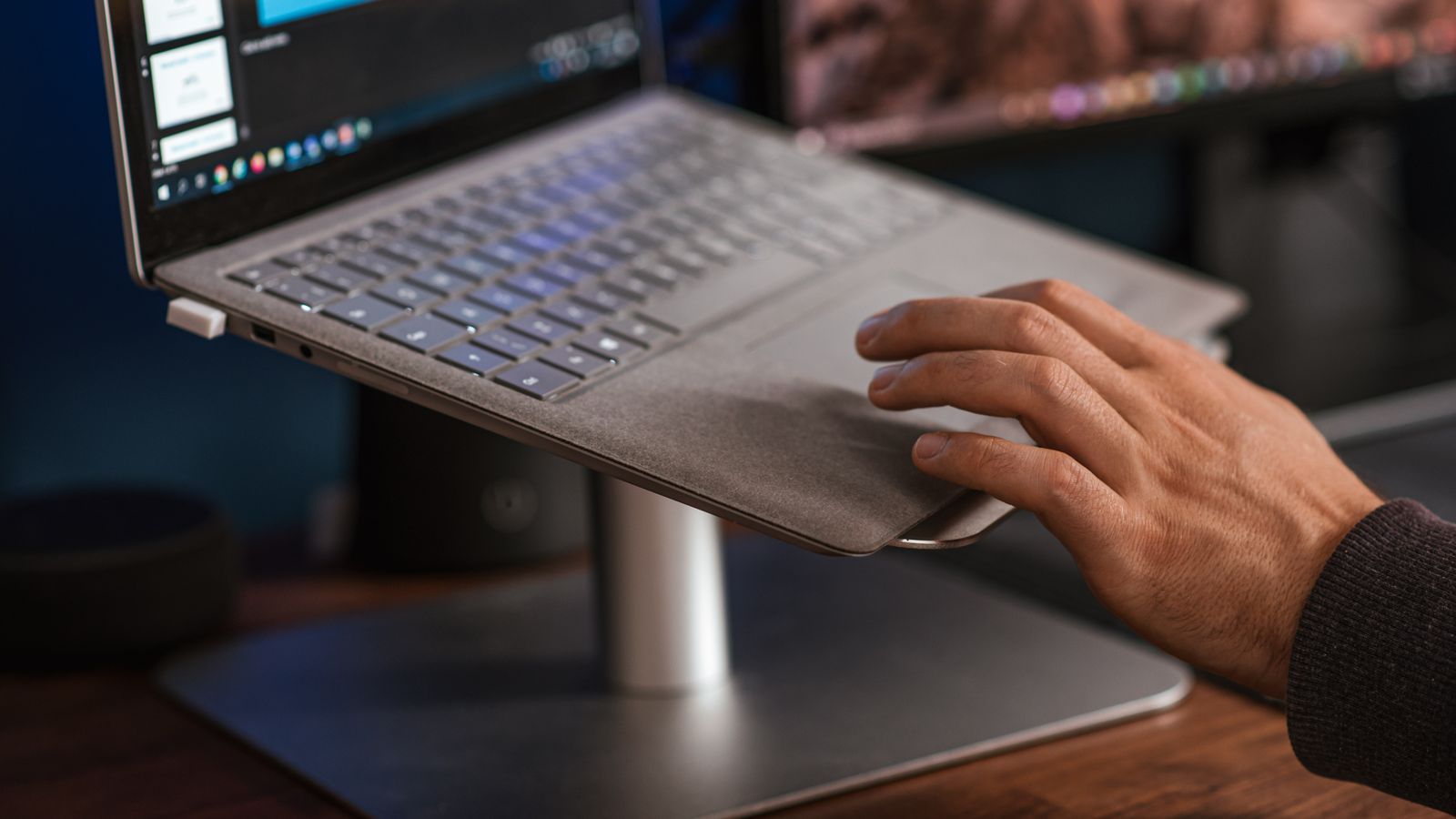
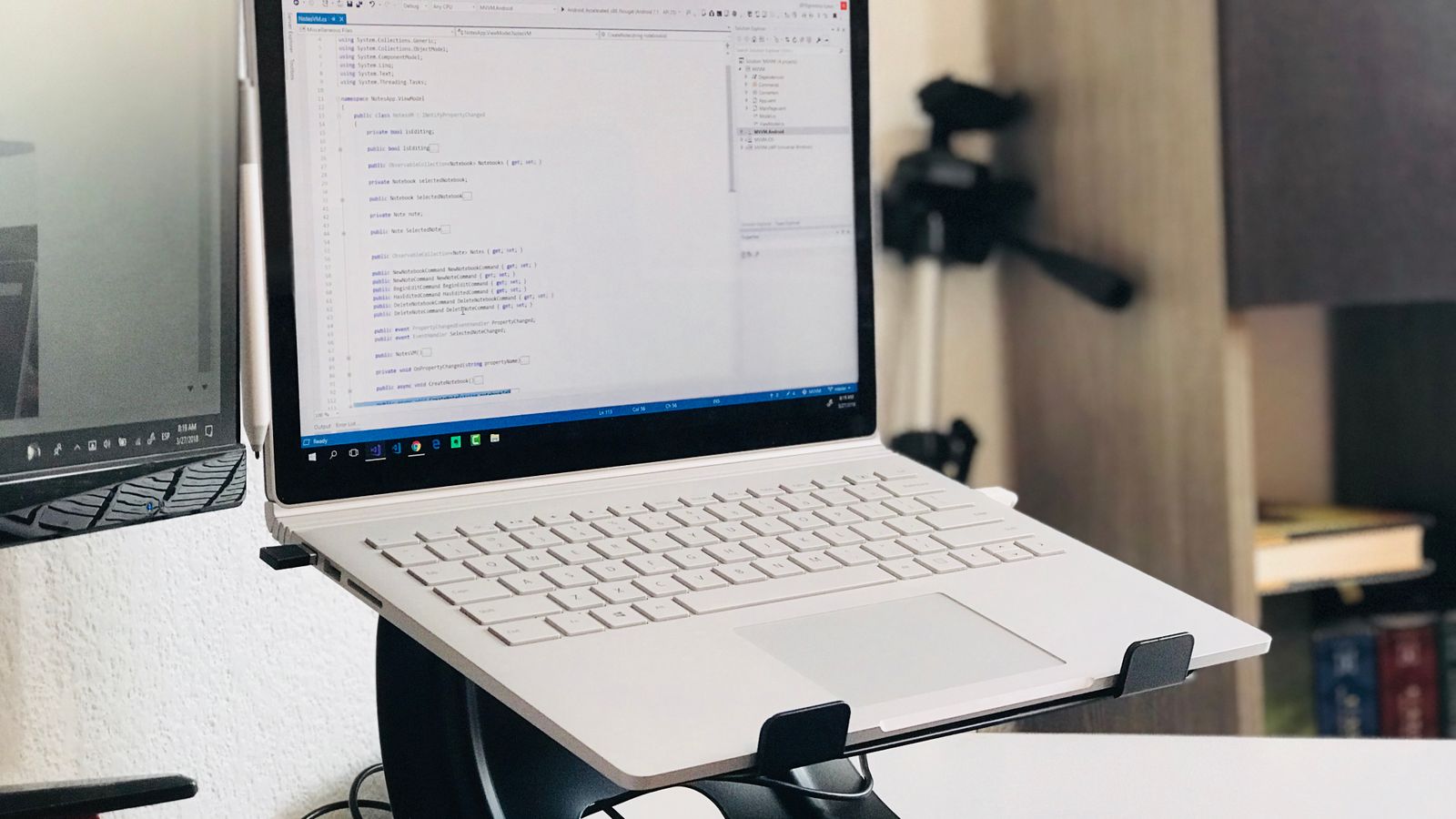
If your current setup uses a wobbly laptop stand or riser instead of, or in addition to, uneven desk legs, it’s worth checking whether the stand itself needs replacing — a good pick from laptop risers for desks can eliminate the instability at the source rather than just compensating for it underneath a shaky leg.
Signs Your Anti Wobble Kit Needs Replacing
Anti wobble components are inexpensive, but they degrade over time. Watch for these warning signs rather than waiting for total failure.
1. The Wobble Has Returned
If your desk was rock-solid after installation but has started rocking again, the pad or shim has likely compressed, cracked, or slipped out of position. This is the most obvious and most common sign it’s time for a fresh kit.
2. Visible Cracking or Flattening
Rubber and silicone pads lose their elasticity with age, especially under constant weight. Inspect the underside of each leg: if a pad looks flattened, split, or has lost its cushiony give when you press it, it has passed its useful life.
3. Adhesive Failure
Self-adhesive pads rely on strong glue to stay put. Heat, humidity, and repeated furniture moves weaken that bond. If a pad slides out of place easily or has already fallen off once, replace the whole set rather than trying to re-stick it — the adhesive rarely holds a second time.
4. Discoloration or Brittleness
Sunlight and temperature swings can dry out rubber and plastic components, making them brittle and prone to snapping. Yellowed, chalky, or crumbly material is a clear signal to swap in new ones.
5. Threaded Leveling Feet Won’t Hold Position
Screw-in leveling feet can strip their threads over time, especially if adjusted frequently. If a foot no longer stays put once you’ve dialed in the height, or it spins freely without engaging, the threading is worn and the part should be replaced.
How Often Should You Replace an Anti Wobble Kit?
There’s no single fixed interval, but a few general guidelines help set expectations based on material and usage:
- Adhesive rubber pads: typically last 1–2 years under normal indoor conditions before the adhesive weakens or the material flattens.
- Silicone pads: more durable, often lasting 2–3 years thanks to better resistance to compression set.
- Plastic shims: can last 3+ years since they simply stack rather than compress, but check for cracking if the desk is moved often.
- Screw-in leveling feet: the longest-lasting option, often good for 4–5 years or more if the threads are metal or reinforced plastic, though the rubber tip at the base may need replacing sooner.
Desks in high-traffic areas, home offices with frequent furniture rearranging, or spaces with hard tile or concrete floors will wear kits out faster than a carpeted, low-movement setup. If you’re unsure which type suits your desk, browsing a curated list of Desk Anti Wobble Kits is a good way to compare adhesive pads, shims, and leveling feet side by side before buying a replacement.
What You’ll Need to Replace a Kit
- A new anti wobble kit (pads, shims, or leveling feet matching your desk leg design)
- A soft cloth and rubbing alcohol or mild soap and water
- A flat, level surface or a small bubble level
- A screwdriver (only if your desk uses screw-in feet with a fastening plate)
- A helper, if the desk is heavy enough that tilting it alone is difficult
How to Replace Your Desk Anti Wobble Kit
- Clear the desk surface. Remove monitors, keyboards, and anything fragile before you start shifting the desk’s weight.
- Identify the wobbly leg. Gently rock the desk by hand or press down on each corner to find which leg (or legs) is short or uneven.
- Tilt or lift the desk carefully. Get access to the underside of the problem leg without straining your back — ask for help with heavier desks.
- Remove the old pad, shim, or foot. Peel off adhesive pads slowly to avoid leaving sticky residue, or unscrew old leveling feet.
- Clean the leg’s contact surface. Wipe away old adhesive, dust, and debris with a cloth and rubbing alcohol so the new component bonds properly.
- Let the surface dry completely. Adhesive pads won’t stick well to a damp or oily surface, so give it a minute or two before continuing.
- Attach the new component. Press adhesive pads firmly for 10–15 seconds, stack shims to the needed height, or thread in new leveling feet by hand until snug.
- Lower the desk and test. Set the desk back down and check for wobble by pressing each corner or gently rocking it side to side.
- Fine-tune as needed. Add a thin shim or adjust a threaded foot slightly if the wobble isn’t fully gone — small height differences of just a millimeter can matter.
Safety Notes
- Never place monitors, glass items, or hot beverages on a desk you know is currently unstable while you’re mid-repair.
- If your desk is heavy or holds substantial equipment, get a second person to help tilt or lift it rather than risking a strain injury or dropped gear.
- Avoid over-tightening screw-in leveling feet — cranking them too far can strip the threads or crack the leg’s mounting hole.
- Let adhesive fully cure (check the product’s instructions, often 24 hours) before placing heavy weight back on that corner of the desk.
Common Mistakes to Avoid
- Reusing old adhesive pads. Once a pad has lost its stick, trying to re-glue it usually fails within days. Replace the full set instead.
- Guessing at the height instead of measuring. Use a bubble level or a folded piece of paper as a feeler gauge to find the exact gap before choosing a shim thickness.
- Ignoring the floor itself. Sometimes a wobble comes from an uneven floor, not the desk. If pads keep failing quickly, consider a floor mat or a more robust leveling foot designed for uneven surfaces.
- Skipping cleanup before reinstalling. Old adhesive residue prevents new pads from bonding correctly, leading to premature failure again.
- Only fixing one leg. If the desk has settled unevenly over time, check all four legs — not just the one that seems obviously short.
Extending the Life of Your Anti Wobble Kit
Once you’ve installed a fresh kit, a few habits help it last longer:
- Avoid dragging the desk across the floor; lift it instead to prevent shear stress on adhesive pads.
- Keep the area under desk legs clean and dry to reduce grime buildup that can loosen adhesive over time.
- Recheck stability every few months, especially after moving the desk or adding heavier equipment like a monitor arm or PC tower.
- Pair a leveling fix with better overall desk organization — tidy cable routing and a stable desk shelf riser with drawers reduce the temptation to overload one side of the desk, which can contribute to renewed wobble.
FAQ
Can I use furniture pads instead of a dedicated anti wobble kit?
Generic furniture pads can work in a pinch, but they’re usually designed for scratch protection, not precise height correction. A dedicated kit gives you finer control over the gap and tends to hold up better under repeated pressure.
Why does my desk wobble again right after I fix it?
This usually means the pad wasn’t given enough time to bond, the surface wasn’t clean before installation, or the actual cause is an uneven floor rather than the desk leg itself. Double-check all four corners before assuming the kit failed.
Do leveling feet work better than adhesive pads long-term?
Generally yes. Threaded leveling feet let you make fine adjustments without replacing anything, and they tend to outlast adhesive pads by several years. They’re a good upgrade if you find yourself replacing pads annually.
Is a wobbly desk actually bad for my equipment?
Persistent vibration and rocking can loosen screws over time and make it harder to work precisely, especially with monitors on arms or delicate peripherals. It’s worth fixing sooner rather than later, both for comfort and for the longevity of what sits on the desk.
Final Thoughts
A desk anti wobble kit is a small, low-cost part of your setup, but it has an outsized effect on daily comfort and stability. Most adhesive pads need replacing every 1–2 years, silicone versions can stretch to 2–3, and quality leveling feet can last significantly longer. Keep an eye out for cracking, flattening, or renewed wobble, and swap the kit promptly when you spot those signs. Combined with a stable laptop riser or a well-organized shelf setup, a fresh anti wobble kit keeps your entire desk steady for the long haul.