A laptop riser does more than look tidy on your desk — it lifts your screen to eye level, improves airflow around your machine, and helps keep your neck and shoulders happy through long workdays. But like any desk accessory that sits under a warm laptop and gets touched daily, it collects dust, oil, and grime over time. Cleaning and caring for your laptop riser properly not only keeps it looking sharp, it also protects the finish, the joints, and any moving parts from premature wear. This guide walks you through exactly what you need, the steps to clean different riser materials safely, and how to spot the signs that it’s time to replace yours.

What You’ll Need
Before you start, gather a few simple supplies. Most of what you need is likely already in your cleaning cabinet:
- A microfiber cloth (at least two, one dry and one slightly damp)
- Mild dish soap or a gentle all-purpose cleaner
- A soft-bristled brush (an old toothbrush works well) for vents, hinges, and grooves
- Isopropyl alcohol (70% or higher) for disinfecting and removing sticky residue
- Compressed air or a small handheld vacuum for dust in vents and folding joints
- A dry towel for final wiping
- Silicone lubricant or light machine oil, only if your riser has folding hinges or sliding parts
Avoid abrasive scrubbers, bleach-based cleaners, and heavily perfumed sprays — these can dull finishes, corrode metal parts, or leave residue that attracts even more dust.
How to Clean Your Laptop Riser: Step-by-Step
- Power down and clear the space. Turn off your laptop and move it, along with your keyboard and mouse, off the riser before cleaning. Cleaning around an active laptop risks moisture getting into ports or vents.
- Dust it first. Use compressed air or a soft brush to remove loose dust and crumbs from the surface, vents, and any folding hinges. Doing this before wiping prevents you from grinding grit into the finish.
- Wipe down the surface. Dampen a microfiber cloth with water and a small amount of mild dish soap, wring it out well so it’s barely damp, and wipe the entire riser — top, sides, and underside. Excess moisture is the enemy of both wood and metal risers, so always wring thoroughly.
- Target sticky spots and fingerprints. For oily residue or fingerprints on metal or plastic risers, dampen a cloth with isopropyl alcohol and wipe gently. Test on a small hidden area first if your riser has a painted or coated finish.
- Clean the grooves and joints. Use a soft-bristled brush to get into corners, non-slip grip channels, cable cutouts, and folding hinges where dust tends to build up.
- Dry completely. Wipe the riser dry with a clean towel and let it air-dry for a few minutes before placing your laptop back on it. This step matters most for wood risers, which can warp if moisture lingers.
- Lubricate moving parts if needed. If your riser folds or has adjustable height settings, add a small drop of silicone lubricant to the hinge points every few months to keep the mechanism smooth and prevent squeaking.
- Check the grip pads. Rubber or silicone feet on the bottom of the riser, and any non-slip strips on top, should be wiped clean separately since oils from your laptop’s underside and desk surface build up there quickly. If they’ve become slick or gummy, a light alcohol wipe usually restores their grip.
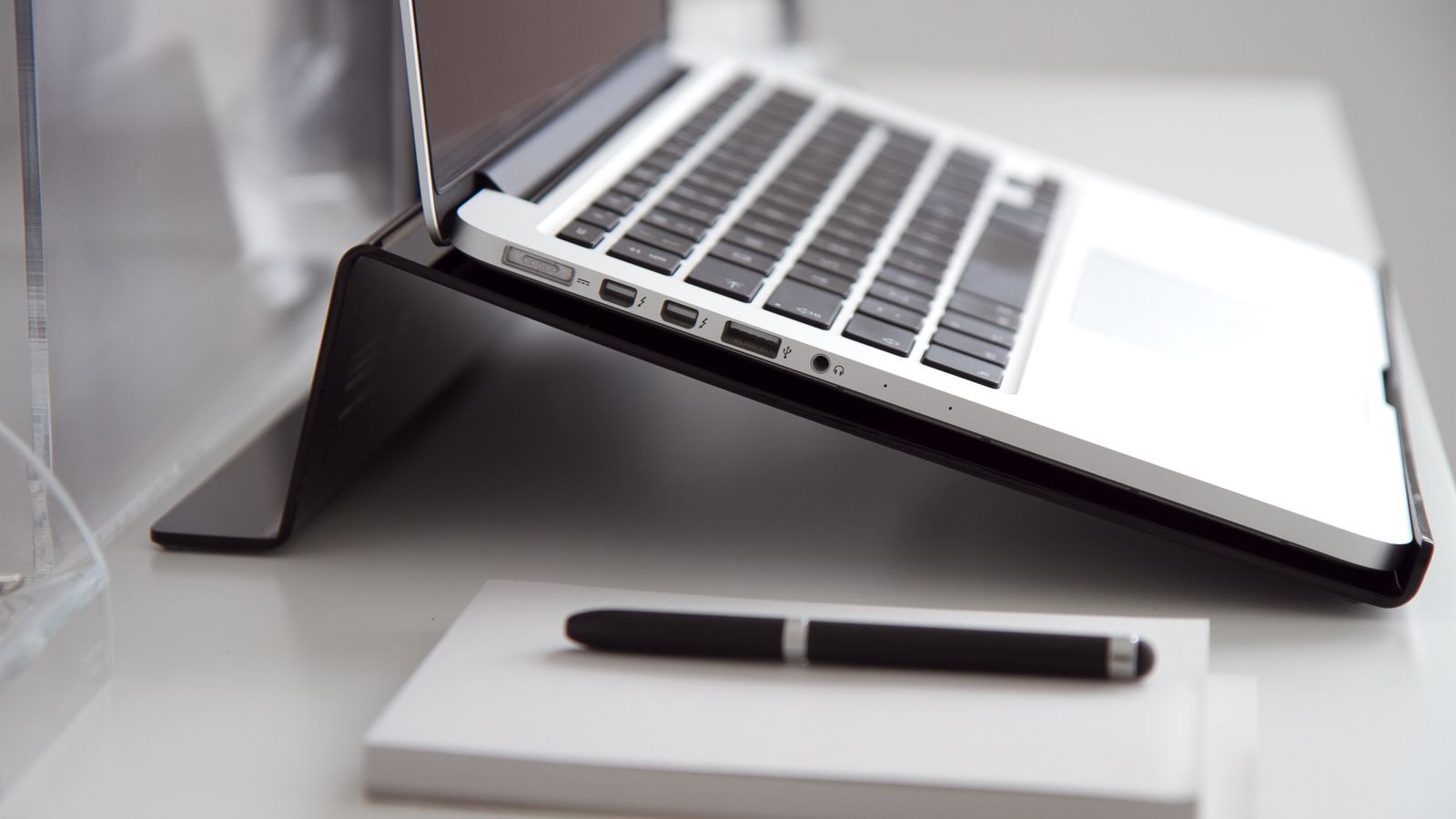
Caring for Different Riser Materials
Aluminum and Metal Risers
Metal risers are the most durable and forgiving to clean, but they can show fingerprints and scratches easily. Stick to a damp microfiber cloth for routine cleaning, and use isopropyl alcohol for smudges. Avoid steel wool or anything abrasive, which will dull the anodized or brushed finish.
Wood and Bamboo Risers
Wood is more sensitive to moisture, so use only a lightly damp cloth and dry immediately. Every few months, a small amount of food-safe mineral oil or wood conditioner can help prevent the surface from drying out and cracking, especially in low-humidity offices.
Plastic and Acrylic Risers
These are the easiest to keep looking new — mild soap and water handle most grime, and isopropyl alcohol removes stubborn marks. Avoid ammonia-based glass cleaners on acrylic, since they can cause micro-cracking (crazing) over time.
Foldable and Adjustable Risers
Beyond surface cleaning, foldable risers need their hinges and locking mechanisms checked periodically for dust buildup and stiffness. A quick brush-out followed by a drop of lubricant keeps folding and height adjustments smooth.
Preventive Care Habits
- Wipe down your riser weekly with a dry microfiber cloth as part of your regular desk tidy-up — this alone prevents most buildup.
- Keep drinks away from the riser area; spills are one of the most common causes of warping and staining, especially on wood models.
- Use a standing desk anti slip pad under the riser’s feet if your desk surface is glossy or prone to scratching — it protects both the desk and the riser’s grip pads.
- If you use your riser to elevate a webcam or camera setup alongside your laptop, check out these best camera desk mounts for a more stable, dedicated solution that reduces strain on the riser itself.
- Avoid placing the riser near direct sunlight or heating vents, which can accelerate warping and finish fading, particularly on wood and painted models.
Signs of Wear and When to Replace Your Riser
Even with good care, laptop risers don’t last forever. Watch for these signs that it’s time for a replacement rather than another cleaning session:
- Wobbling or instability — if the riser rocks or no longer sits flat despite cleaning the feet, the frame or hinges may be worn out.
- Cracked or peeling surface — visible cracks in plastic or acrylic, or peeling laminate on wood, are structural issues that cleaning won’t fix.
- Grip pads that no longer grip — if the rubber feet or top pads have hardened, worn smooth, or fallen off entirely and won’t restick, the riser’s usefulness for keeping your laptop secure is compromised.
- Hinges that won’t hold position — a foldable or adjustable riser that slowly sags under the laptop’s weight, even after lubrication, has worn-out locking mechanisms.
- Persistent odor or staining — deep stains or lingering smells (often from spills) that survive a thorough clean usually mean the material has absorbed moisture it can’t release.
Most well-maintained risers last several years of daily use. If yours is showing structural wear rather than just surface grime, it’s worth browsing a fresh option — see this roundup of laptop risers for desks to compare sturdy, well-reviewed models before you buy.

Common Mistakes to Avoid
- Using too much liquid. Spraying cleaner directly onto the riser instead of the cloth risks moisture seeping into hinges, vents, or wood grain.
- Skipping the dust step. Wiping a dusty riser without brushing it off first just grinds grit into the surface, creating fine scratches.
- Ignoring the underside. The bottom of the riser touches your desk directly and collects just as much residue as the top — don’t skip it.
- Using harsh chemicals on painted or coated finishes. Alcohol and strong cleaners can strip protective coatings; always spot-test first.
- Forgetting to lubricate hinges. Dry, squeaky hinges on adjustable risers wear out faster than lubricated ones.
Frequently Asked Questions
How often should I clean my laptop riser?
A quick dry wipe weekly and a deeper clean with mild soap and water once a month is enough for most home and office setups. Increase frequency if you eat at your desk or work in a dusty environment.
Can I use regular household cleaners on my riser?
Mild dish soap diluted in water is safe for nearly all riser materials. Avoid bleach, ammonia-based glass cleaners, and abrasive powders, which can damage finishes and coatings over time.
Is it safe to use alcohol wipes on a laptop riser?
Yes, for metal, plastic, and acrylic risers, isopropyl alcohol is effective for disinfecting and removing sticky residue. Spot-test first on painted or coated wood surfaces, since alcohol can strip some finishes.
My riser’s grip pads have worn smooth — can I fix that?
Sometimes a light alcohol wipe restores tackiness by removing oil buildup. If the pads have hardened or physically worn down, replacement adhesive pads are often available separately, or it may be time for a new riser.
Does cleaning affect the riser’s height adjustment or folding mechanism?
Cleaning itself won’t hurt the mechanism, but neglecting it can. Dust and dried oils inside hinges cause stiffness over time, so a periodic brush-out and a drop of silicone lubricant keeps folding and adjustable risers working smoothly for years.