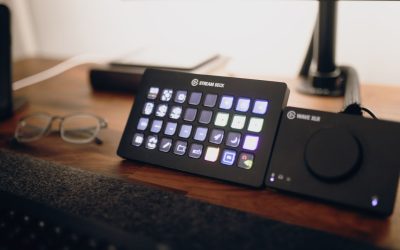
A tablet desk mount is one of those small accessories that quietly makes a workspace more functional — until the clamp loosens, the arm droops, or the hinge stops holding your tablet at the angle you set it. If you have started noticing your mount sagging under the weight of your device or the swivel joint feels loose no matter how tight you turn it, you are probably closer to a replacement than you think. This guide walks through how long a tablet desk mount typically lasts, the warning signs that tell you it is time for a new one, and how to get more life out of the mount you already own.
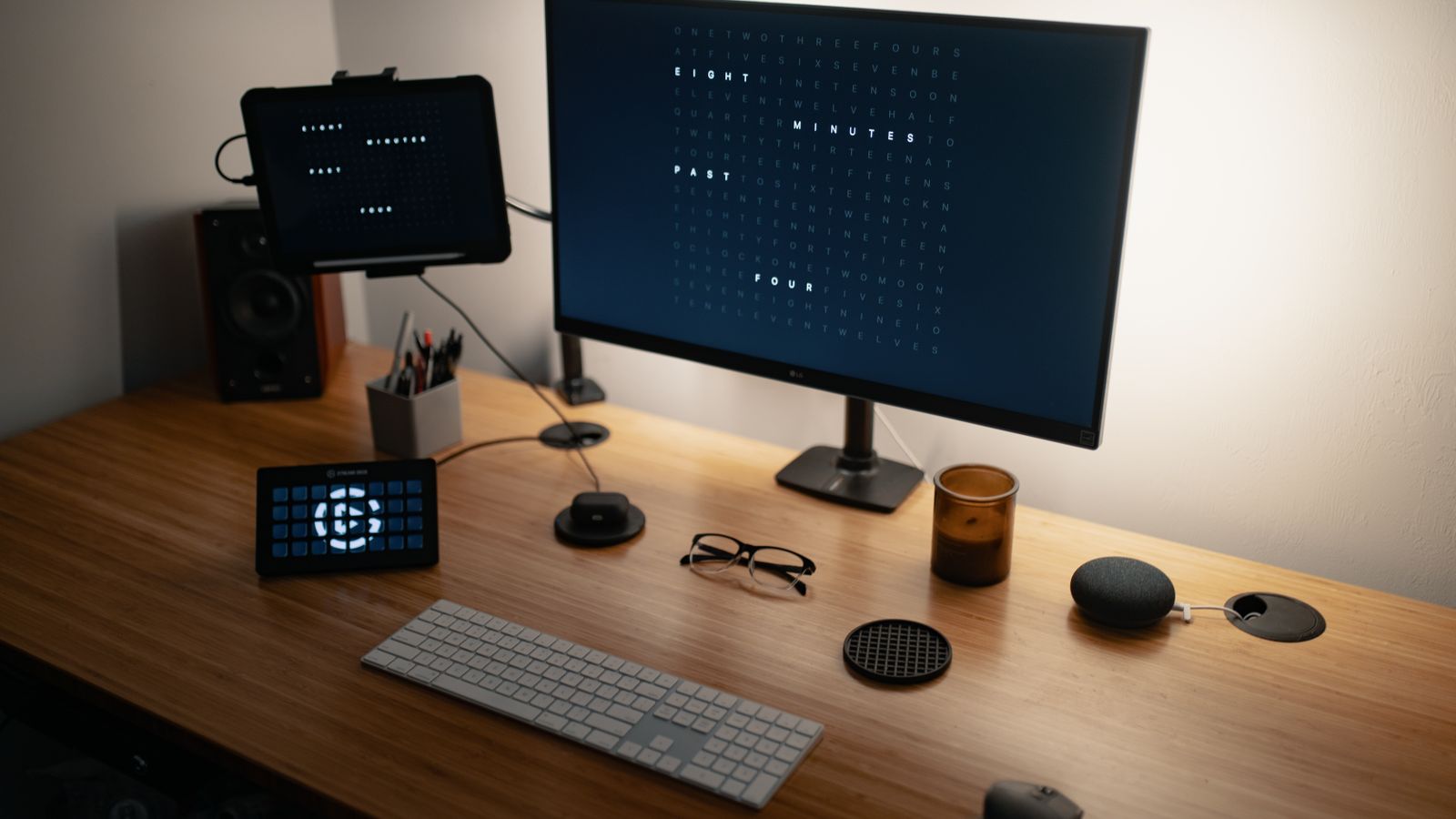
How Long Does a Tablet Desk Mount Actually Last?
Most tablet desk mounts are built around a few core components: a clamp or base, an articulating arm (often gas-spring or friction-hinge), and a cradle or grip that holds the tablet itself. Under normal daily use, a well-made mount should hold up for roughly 2 to 4 years before the moving parts start to lose tension. Budget mounts with plastic friction joints tend to wear out faster, sometimes within a year of heavy repositioning, while mounts with metal gas-spring arms or locking ball joints can last 5 years or longer if they are not overloaded.
The lifespan of your mount depends heavily on three factors: how often you adjust the angle, how heavy your tablet is relative to the mount’s rated capacity, and how the mount is used — a mount clamped to a desk edge and left in place will outlast one that gets repositioned dozens of times a day in a shared kitchen or shop setting.
Signs of Wear That Signal a Replacement Is Coming
The Arm Won’t Hold Position
The most common failure point on a tablet desk mount is the articulating arm. If you set your tablet at a viewing angle and it slowly droops or tips forward within a few minutes, the internal tension mechanism — whether it is a friction hinge, gas spring, or ratcheting joint — has worn past the point of adjustment. Tightening the tension screw (if your model has one) can buy extra months, but once that screw is maxed out and the arm still sags, the mount is done.
Cracks or Stress Marks in the Clamp
Plastic clamp housings can develop hairline cracks around the screw threads after repeated tightening and loosening, especially if the mount gets moved between desks. A cracked clamp is a safety issue, not just a cosmetic one — it can fail suddenly and drop your tablet.
Loose or Stripped Cradle Grip
Spring-loaded cradles that hold the tablet by its edges can lose grip tension over time, which is especially noticeable if you switch tablets often or use a thick protective case. If the cradle no longer squeezes firmly enough to hold the device securely during typing or video calls, it is a strong sign the mount’s spring tension has fatigued.
Wobble at the Base or Mounting Point
Clamp-style bases can develop play at the point where they attach to the desk, particularly on mounts used on thin desks or repeatedly relocated. A wobbly base undermines the stability of the entire mount, even if the arm itself is fine.
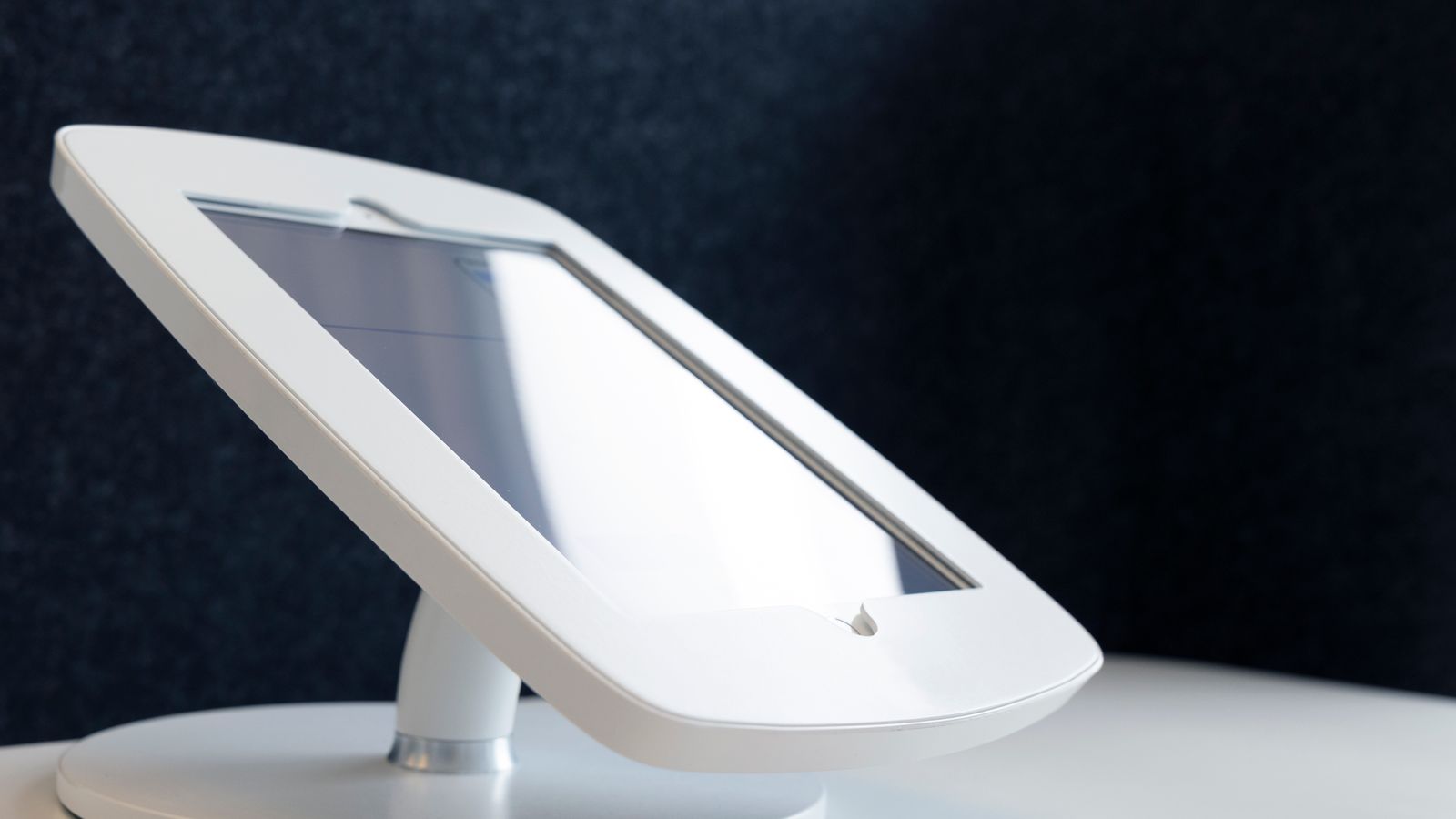
Typical Replacement Intervals by Mount Type
- Budget plastic-hinge mounts: 6 months to 1.5 years under regular repositioning.
- Mid-range friction-arm mounts: 2 to 3 years with occasional adjustment.
- Premium gas-spring or locking-joint mounts: 4 to 6+ years, even with frequent movement.
- Fixed-position mounts (no articulation): can last well beyond 5 years since there are no moving joints to fatigue.
If your mount is on the higher end of these ranges and still shows the wear signs above, replacing it is usually more cost-effective than trying to repair a worn hinge or cradle.
How to Extend the Life of Your Current Mount
- Check the tension screw regularly. Most articulating arms have a hex or Phillips screw at the joint that controls how tightly the arm holds position. A quarter-turn tightening every few months can significantly delay sagging.
- Avoid exceeding the weight rating. Using a mount rated for a 7-inch tablet with a larger 12-inch device (plus a case) puts constant strain on the arm and cradle, accelerating wear.
- Minimize unnecessary repositioning. Set your preferred angle and leave it — every adjustment cycle wears the internal mechanism slightly.
- Keep the clamp screw at proper torque. Over-tightening a plastic clamp to compensate for looseness elsewhere often cracks the housing instead of fixing the real problem.
- Clean the cradle grips. Dust and grime buildup in spring-loaded cradles can make grip feel weaker than it actually is — a quick wipe-down sometimes restores holding power.
Common Mistakes When Diagnosing a Failing Mount
One frequent mistake is assuming a drooping arm means the whole mount needs replacing, when sometimes it is just the tension screw that needs adjusting. Check that first before buying a new mount. Another mistake is ignoring a wobbly clamp base because “it still holds” — a loose clamp under a moving tablet arm creates leverage that can eventually snap the clamp entirely, potentially dropping an expensive device. Finally, people often overload a mount rated for a small tablet with a larger one plus a heavy case, then blame the mount for premature failure when the real issue was exceeding its capacity from day one.
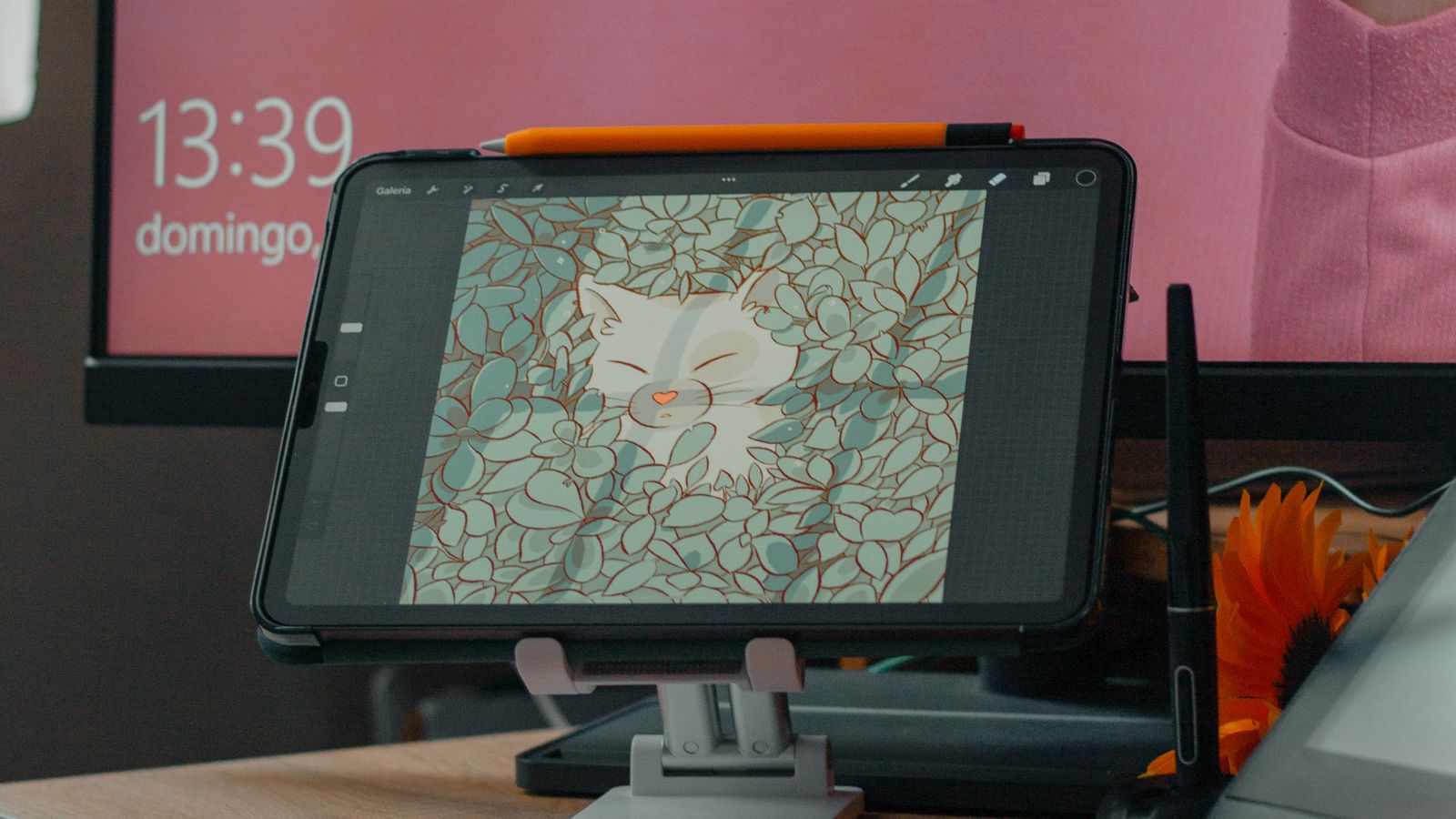
Choosing a Replacement Mount
When it is time to replace your mount, look for models with metal internal components at the hinge points rather than all-plastic construction, a clearly stated weight capacity that comfortably exceeds your tablet’s actual weight (including its case), and a locking clamp base rated for your specific desk thickness. If your workspace also involves a headset for calls, pairing your new mount setup with one of the headset hangers can keep your desk organized and reduce clutter around the mount’s base. For a broader look at well-reviewed options, our roundup of Tablet Desk Mounts compares several durable models across price points.
It is also worth checking your desk itself while you are upgrading accessories — a wobbly desk surface transfers vibration directly into a clamped mount and accelerates wear at the joint. If your desk rocks or leans, a set of best desk leveling feet can stabilize the whole setup and reduce unnecessary stress on the mount.
Frequently Asked Questions
Can a tablet desk mount be repaired instead of replaced?
Sometimes. Loose tension screws can usually be tightened, and some higher-end mounts sell replacement hinge kits. However, cracked clamps or fatigued springs typically cannot be fixed and call for a full replacement.
Does the weight of my tablet affect how long the mount lasts?
Yes, significantly. A mount consistently holding a device near or above its rated capacity will wear out its arm and clamp much faster than one holding a lighter tablet within its comfortable range.
Is it normal for a new mount to feel stiff at first?
Yes. Many mounts, especially gas-spring models, feel stiffer out of the box and loosen slightly with the first few weeks of normal adjustment. This is different from long-term wear and is not a sign of a defect.
How do I know if it is the arm or the cradle that is failing?
If the tablet stays gripped but the whole arm droops, the issue is the arm’s tension joint. If the arm holds position but the tablet slides or falls out of the cradle, the grip spring is the culprit.
Should I buy the same mount brand again if mine failed early?
Not necessarily. Compare build materials and weight ratings against your actual usage rather than assuming brand loyalty guarantees durability — a mount that failed early may simply have been undersized for your tablet.
Final Thoughts
A tablet desk mount is a small investment that can last for years if it is matched to your tablet’s weight and maintained with occasional tension checks. Watch for drooping arms, cracked clamps, loose cradles, and wobbly bases as your cue to replace rather than repair. When you do upgrade, choosing a mount with sturdier internal components — and pairing it with a stable desk setup — will help you avoid another premature replacement down the line.